
MinersPocketTransitUS712869 Assembly
I. PREPARATION
- Clean up the materials. Look for and remove 3D printed extrusions and supports. Use the blade of an exacto knife.
A. Notch Removal
-
There are 3 notches to clear the fill material from.
-
The first notch is found on the top part of the H Bracket.
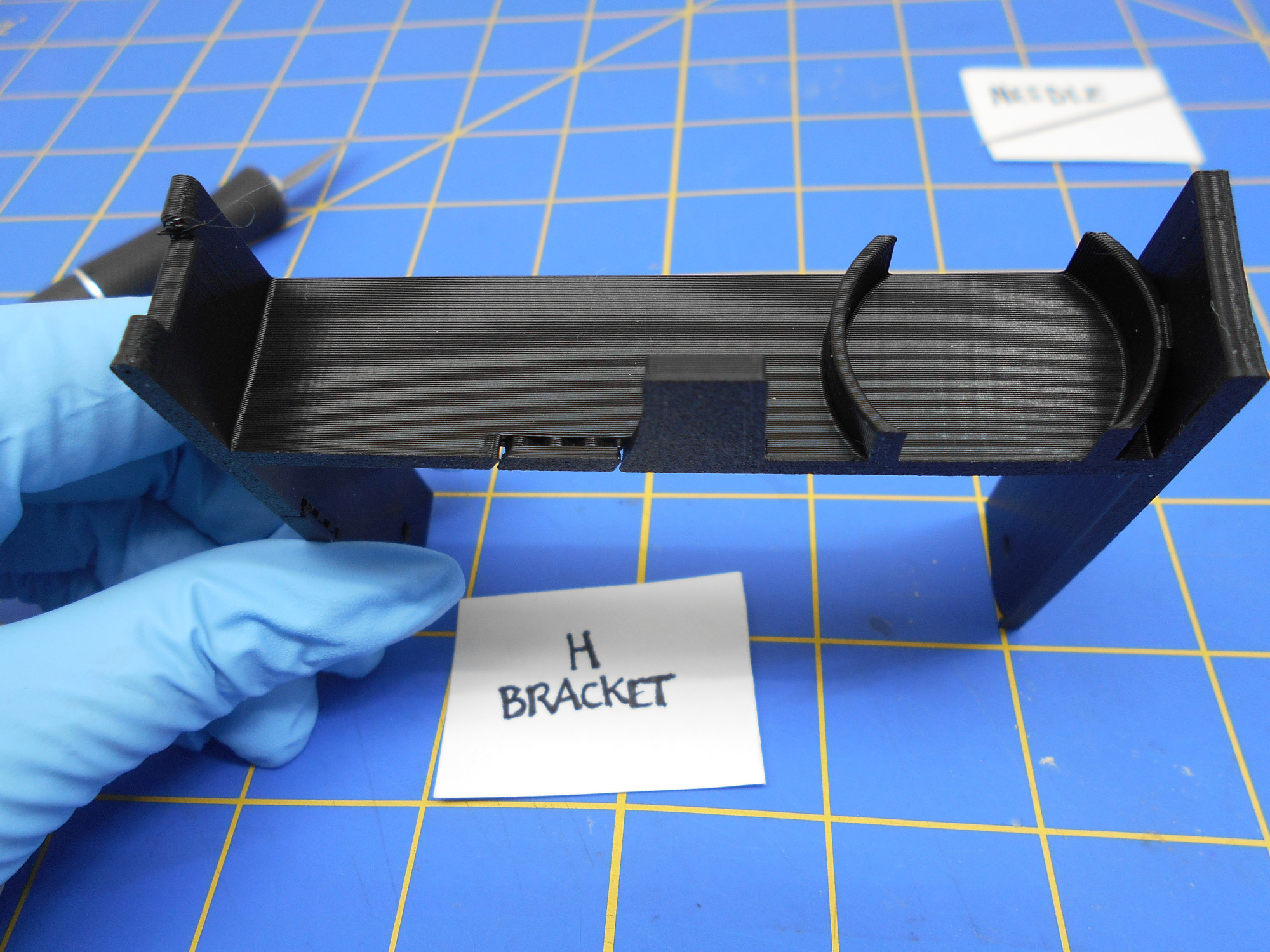
-
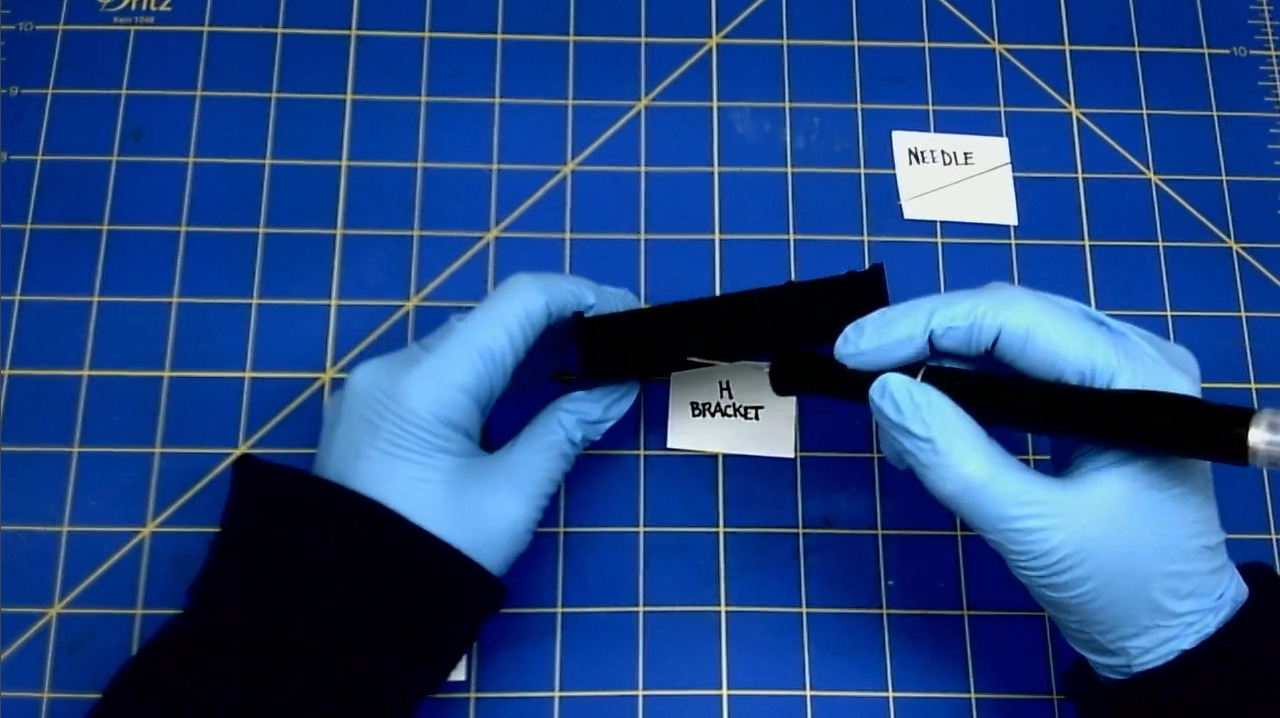
Here is an example of using an exacto knife to remove the notch.
-
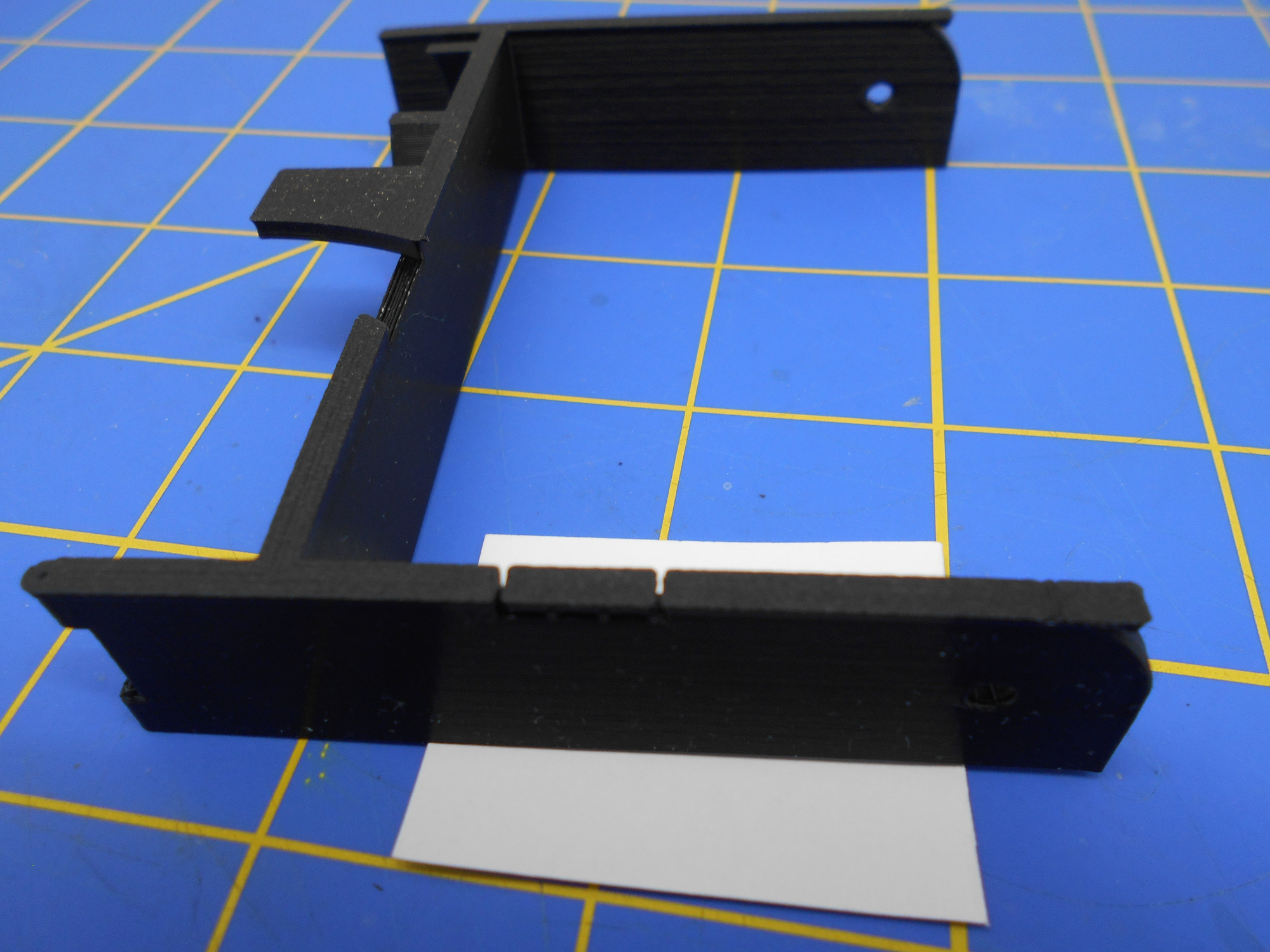
The second notch is found on the left side of the H Bracket.
-
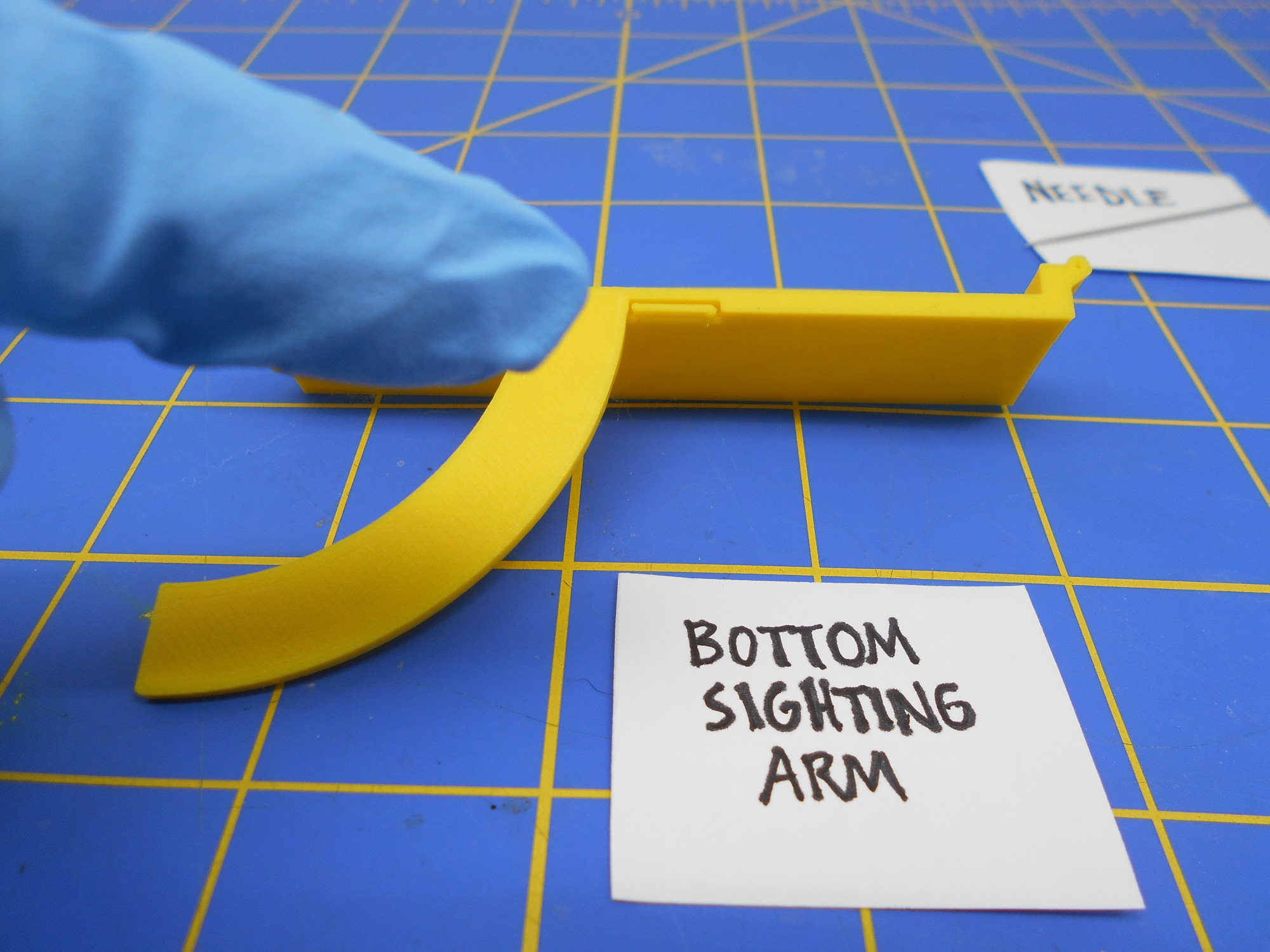
The third notch is found on the top part of the the Bottom Sighting Arm.
B. The Bottom Sighting Arm Hinge Area Fill Removal
- Remove the material that is surrounding the hinges.
-
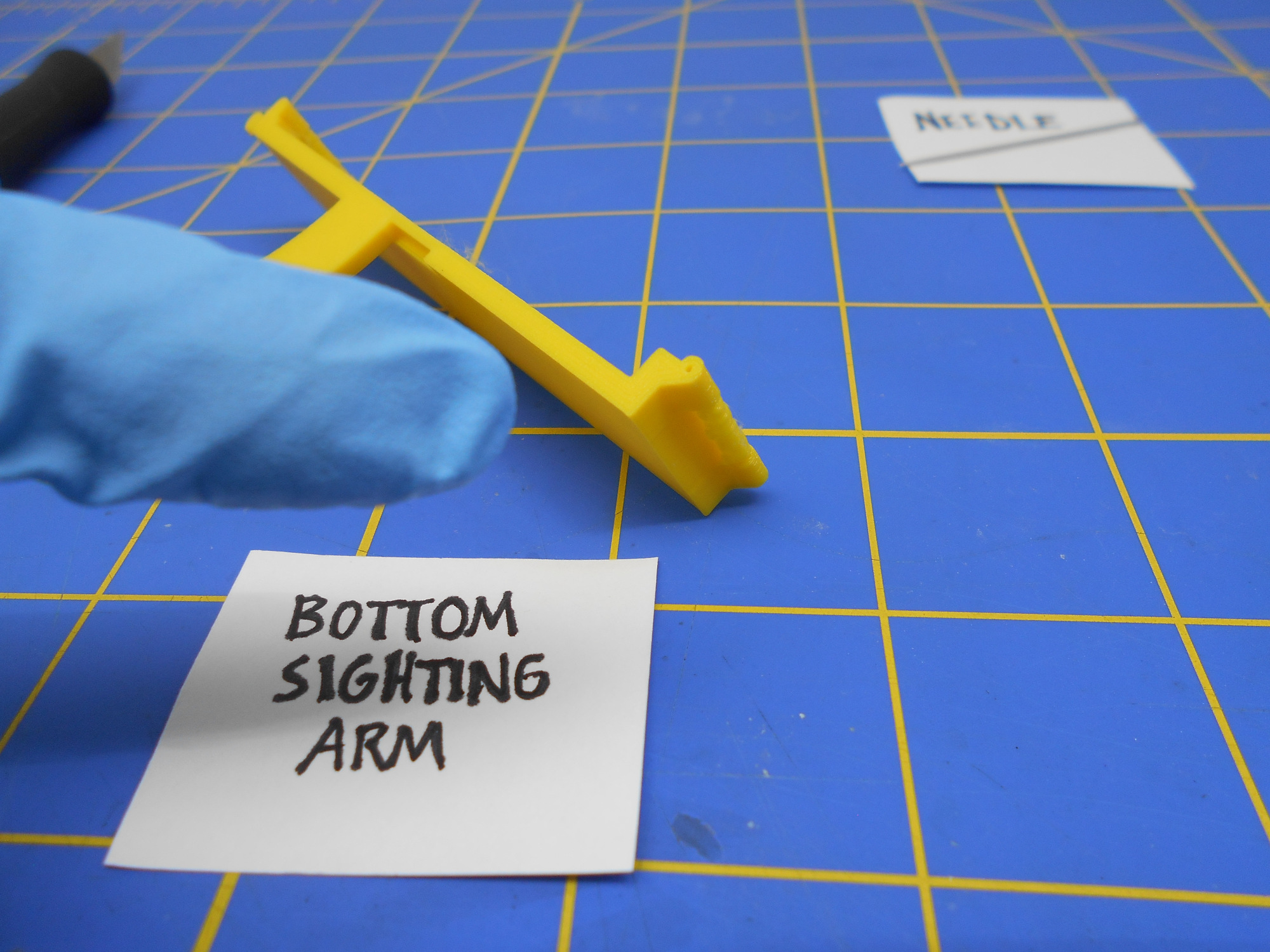
Remove the fill that surrounds the front part of the the Bottom Sighting Arm hinge.
-
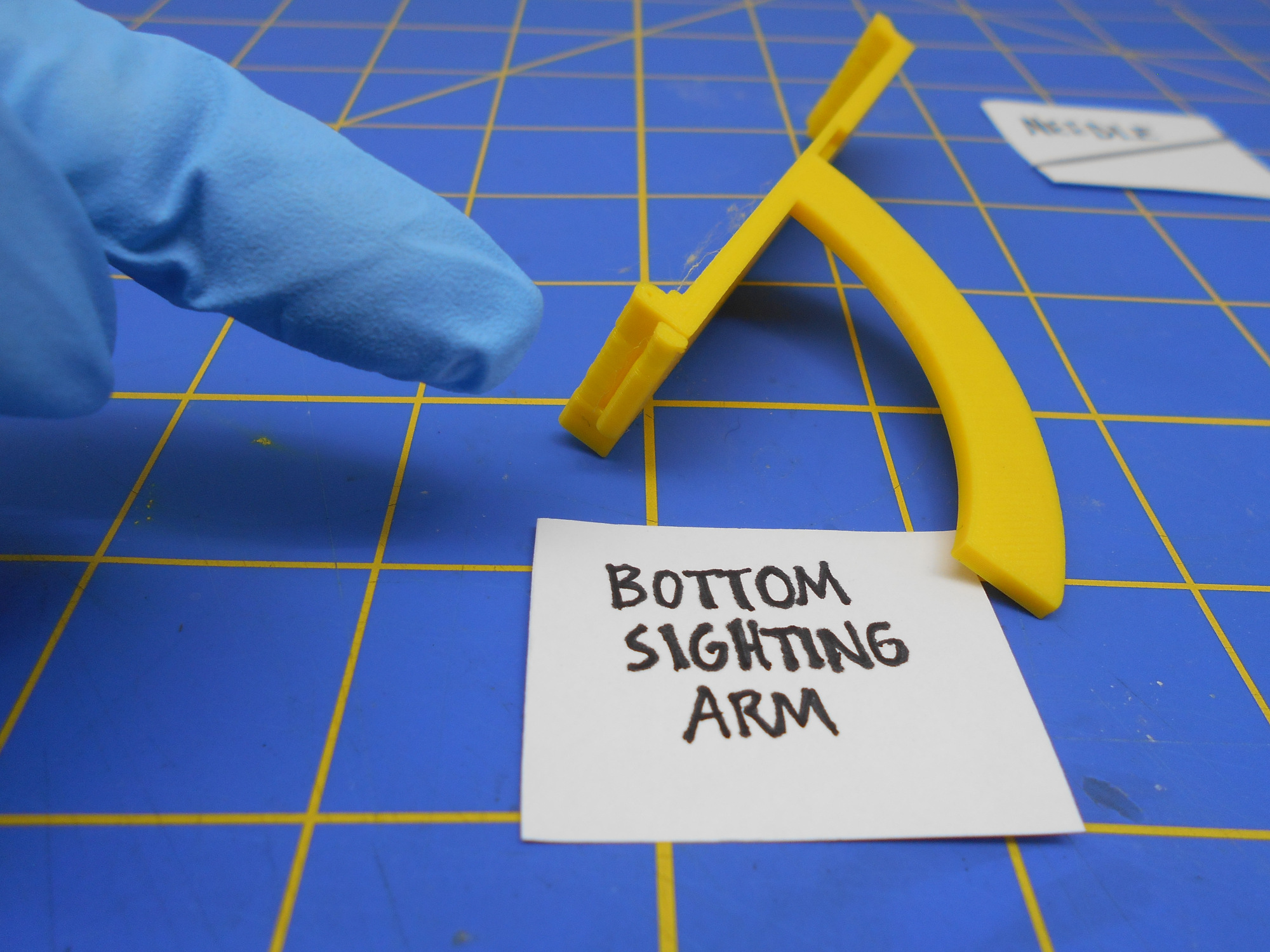
Remove the fill that surrounds the back part of the the Bottom Sighting Arm hinge.
C. The Top Sighting Arm Hinge Area Fill Removal
-
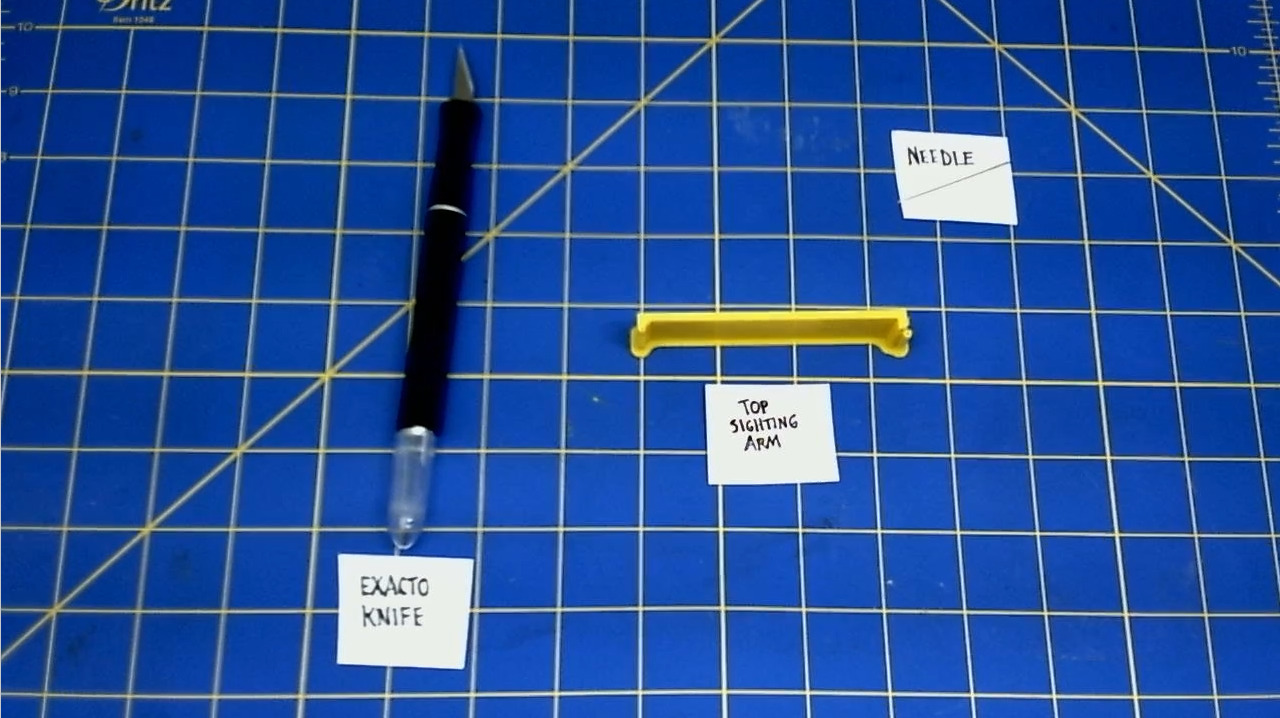
Remove the 3d printed raft on this part.
-
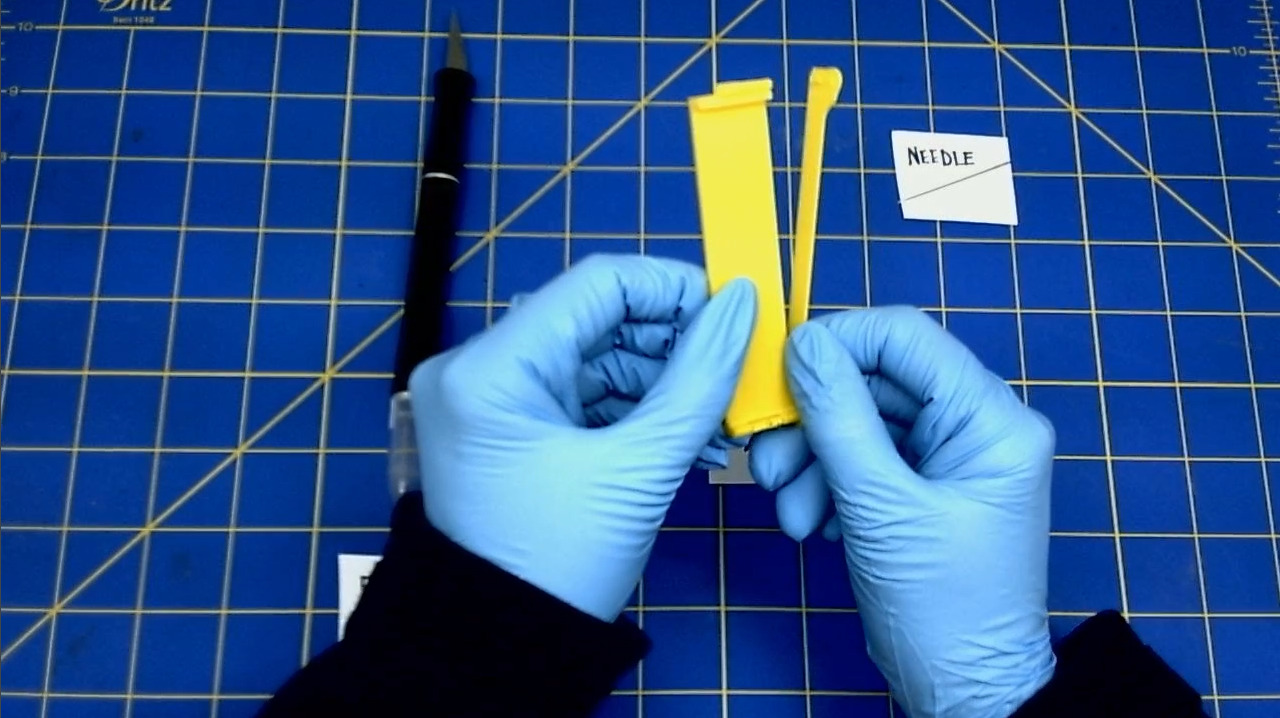
Remove the fill that surrounds the front part of the the Top Sighting Arm hinge.
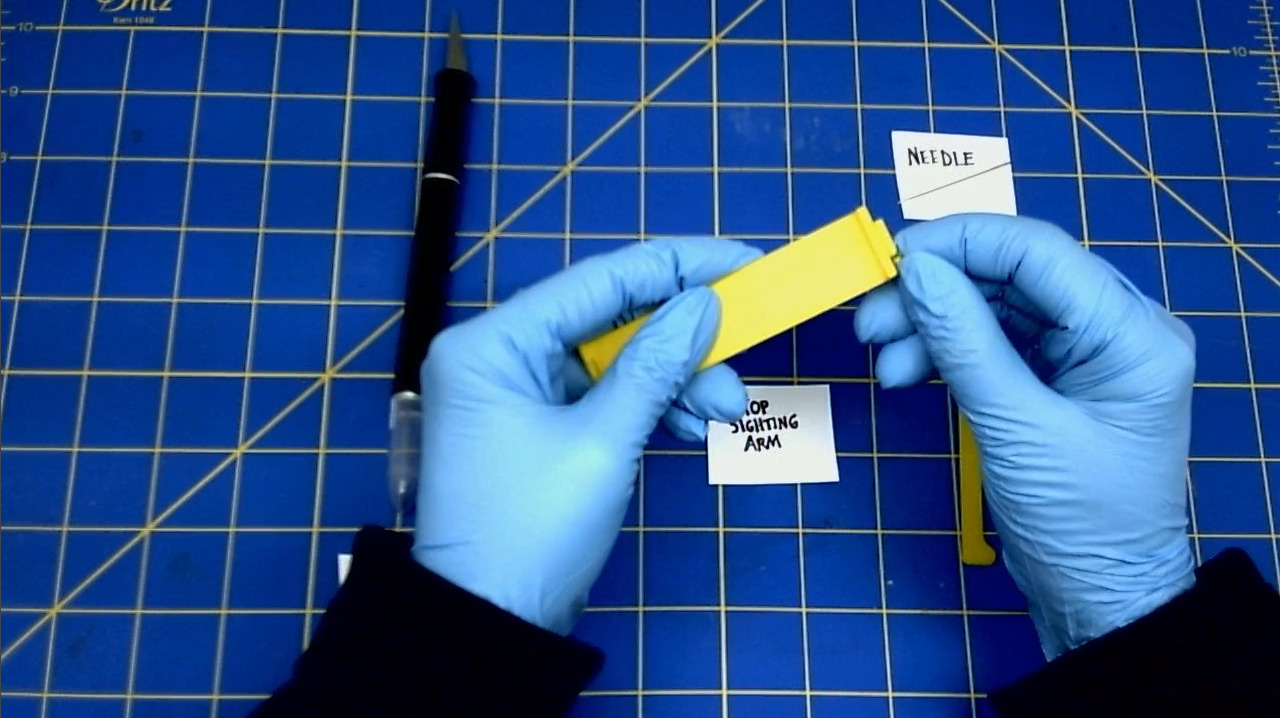
-
Remove the fill that surrounds the back part of the the Top Sighting Arm hinge.
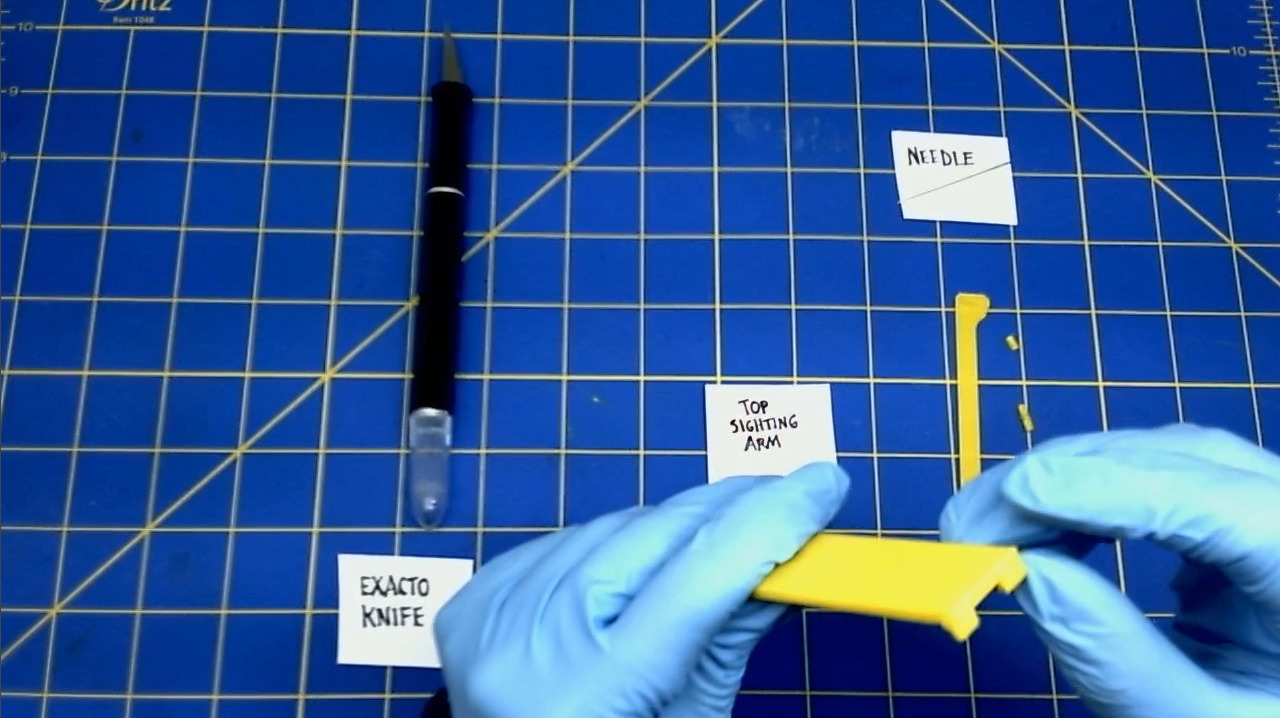
D. Ream the hinge holes
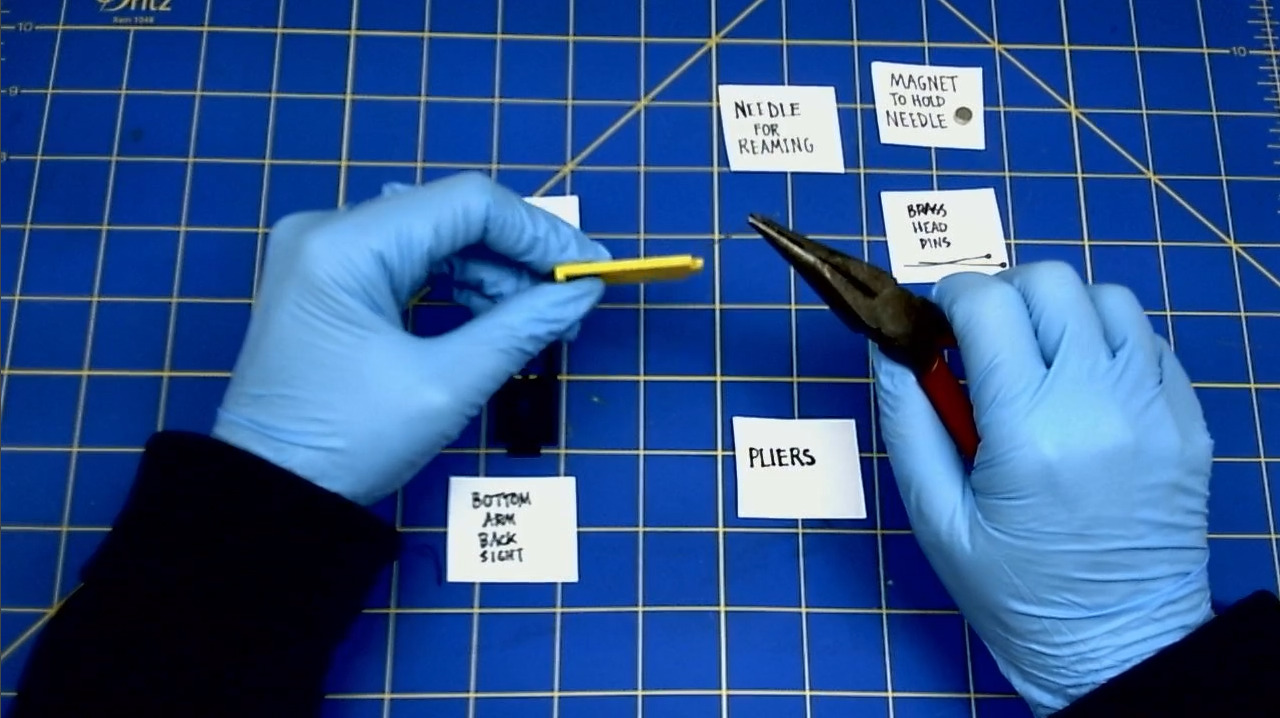
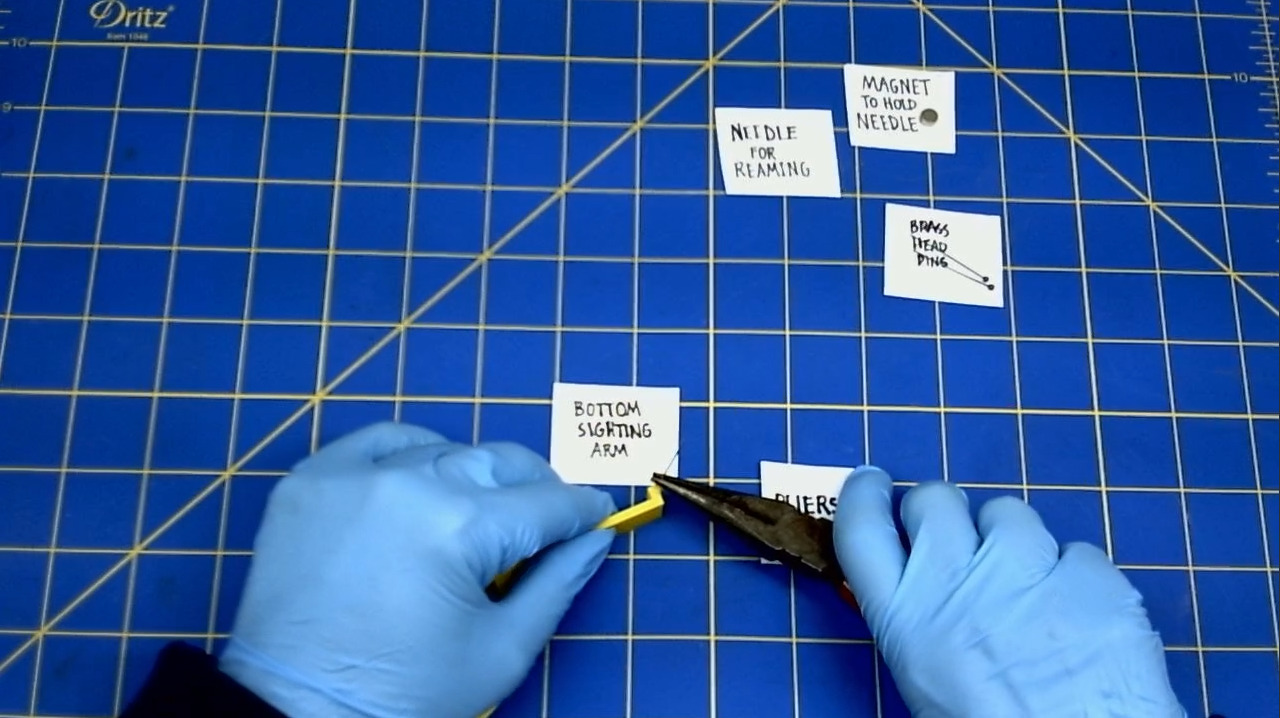
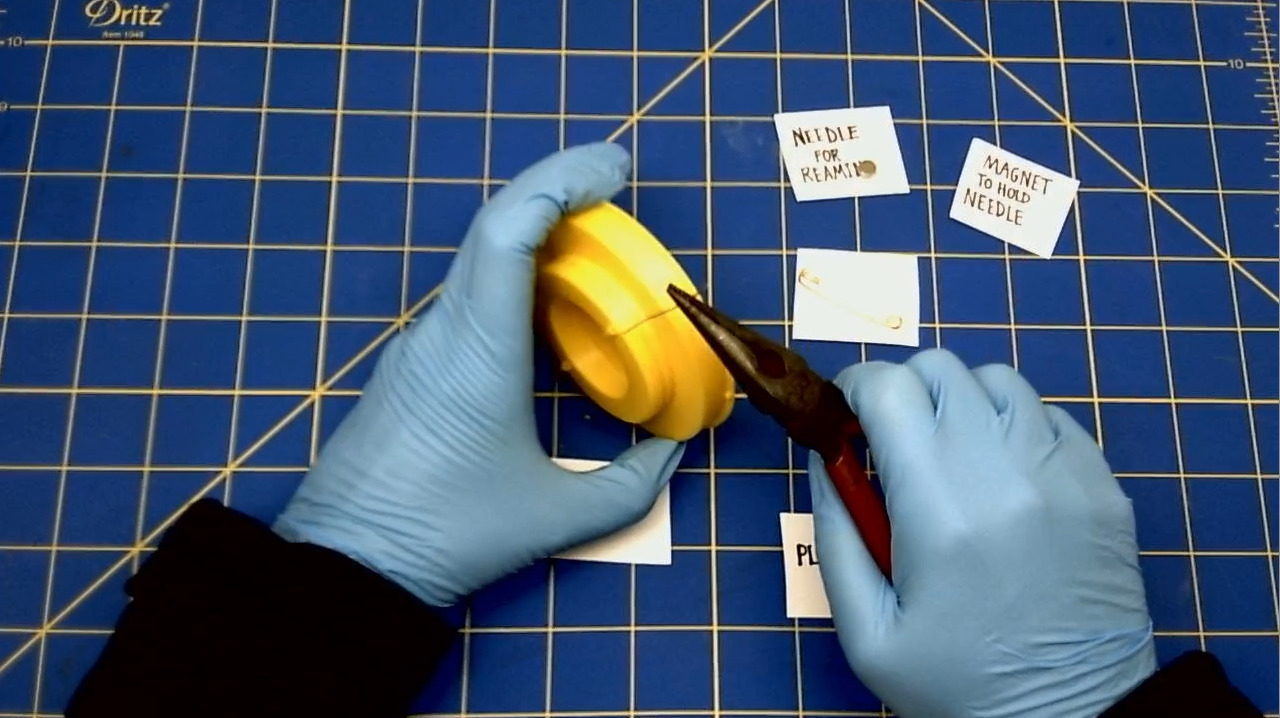
"Reaming the hole" means to push a needle all the way through a hole. Use pliers to pull the needle through the hole. This process takes time. Go slowly, as you do not want to bend the needle.
- The Sights
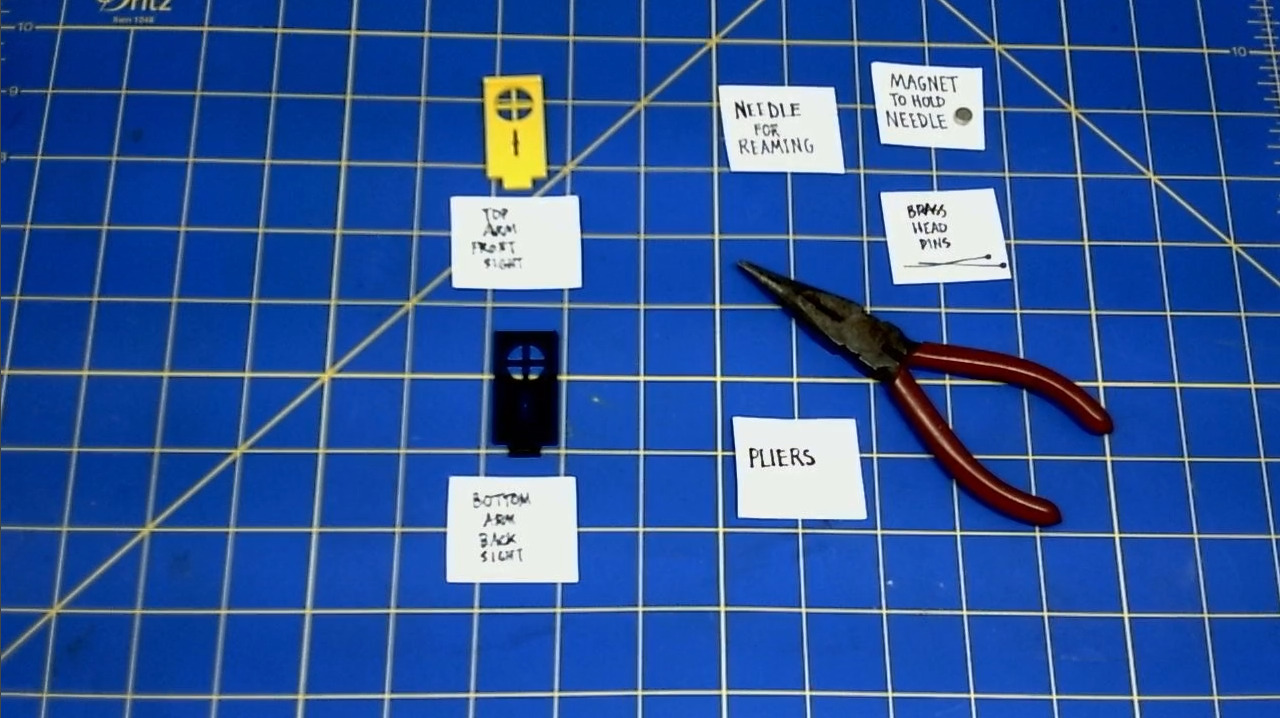 * Ream the hinge on the The Top Arm's Front Sight.
-
Ream the hinge on the The Bottom Arm's Back Sight.
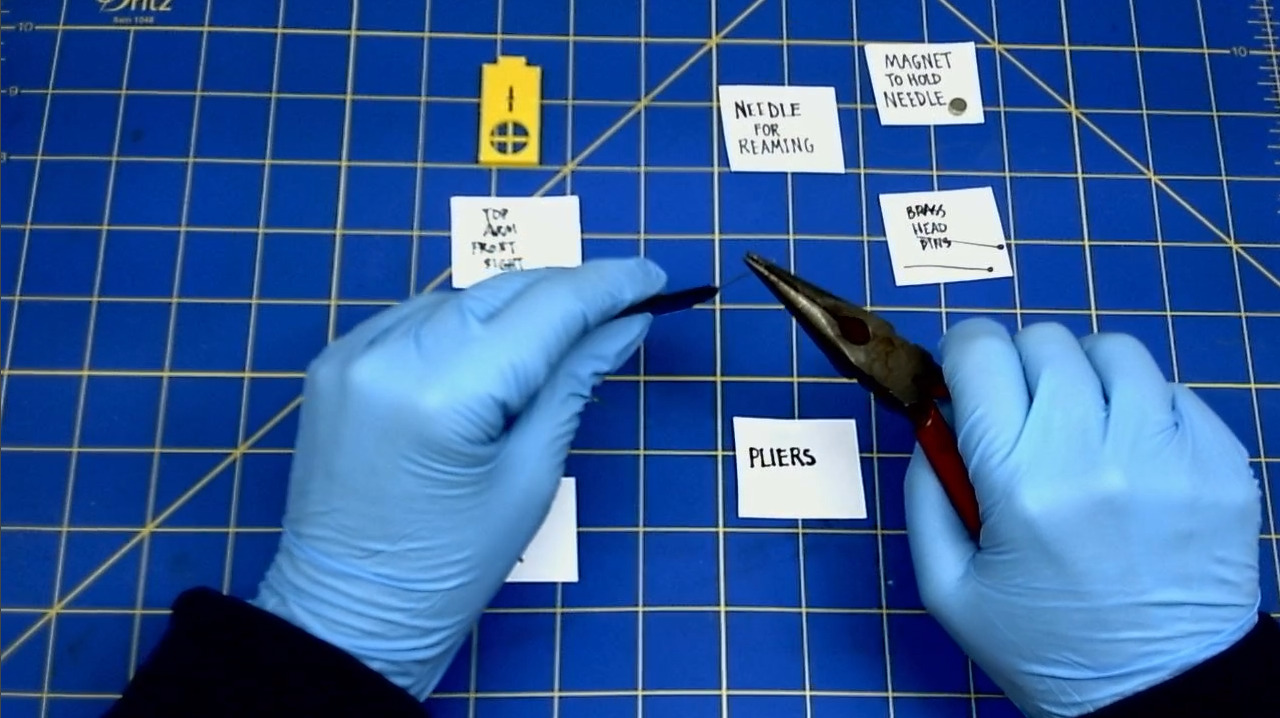
-
The Bottom Arm
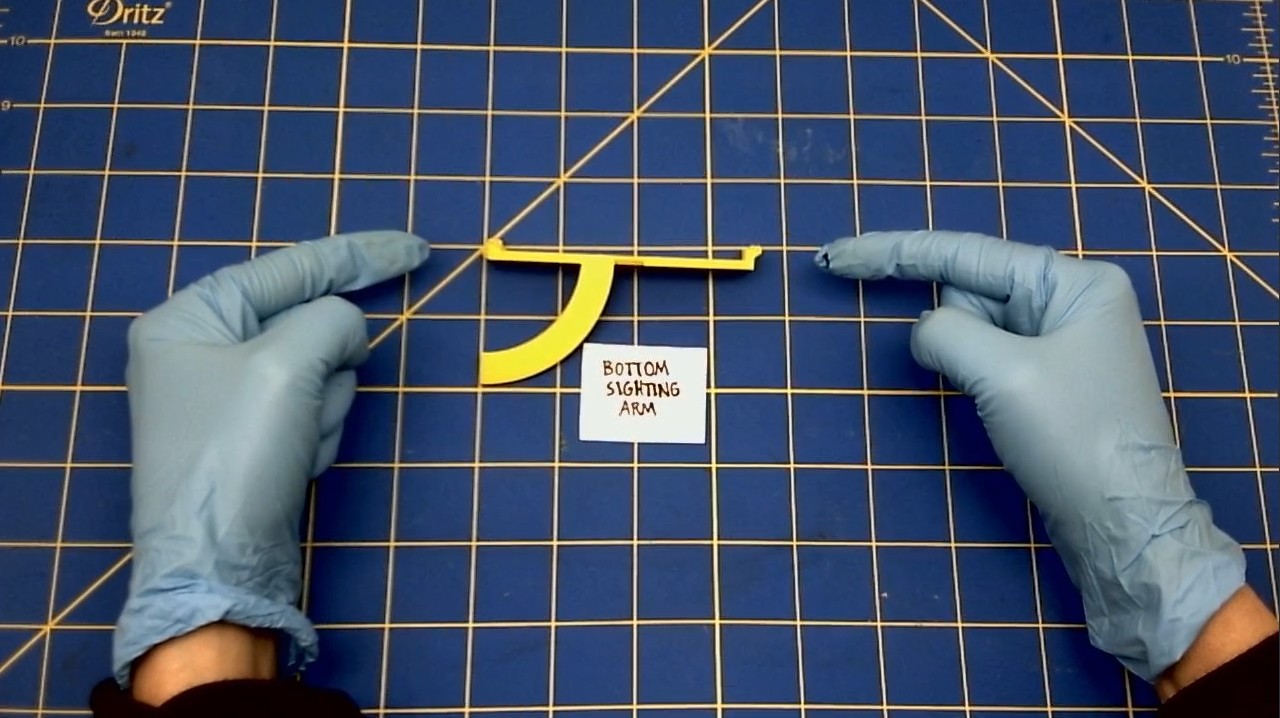 * Ream all three hinges on the Bottom Arm.
-
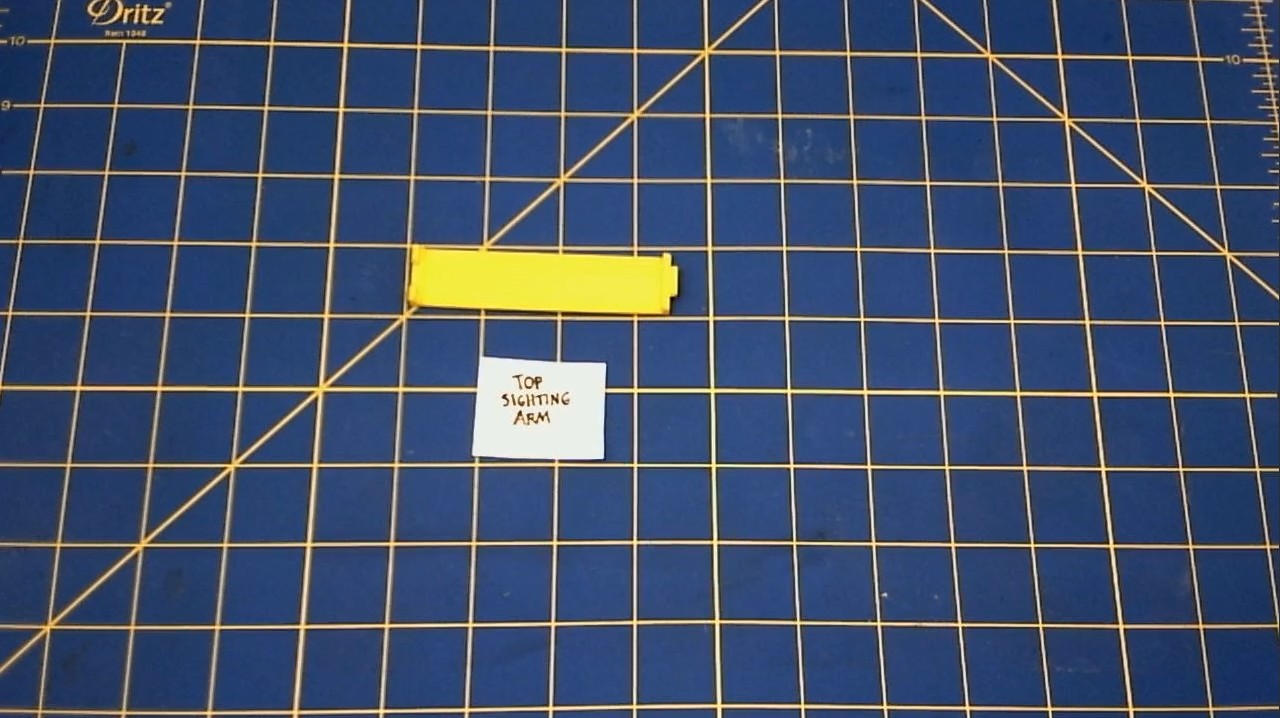
The Top Arm
-
Ream all three hinges on the Top Arm.
E. Ream The H Bracket
- Ream the hole on the corner of the H Bracket
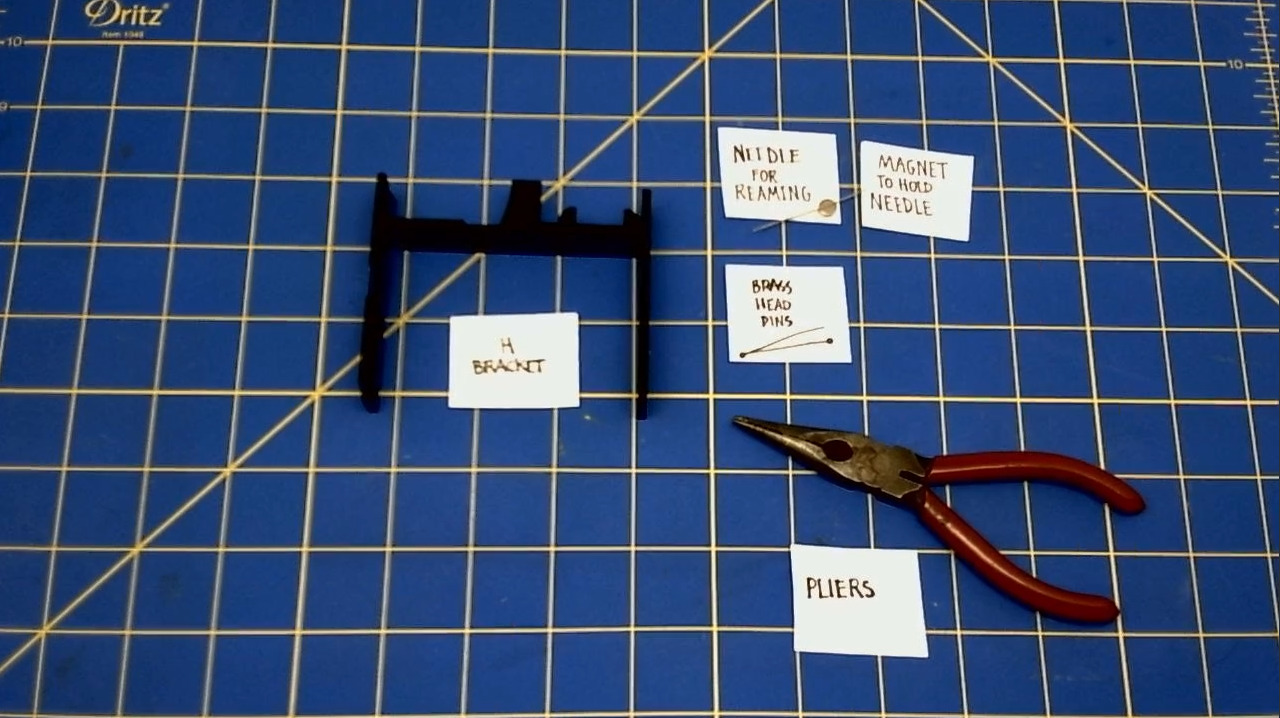
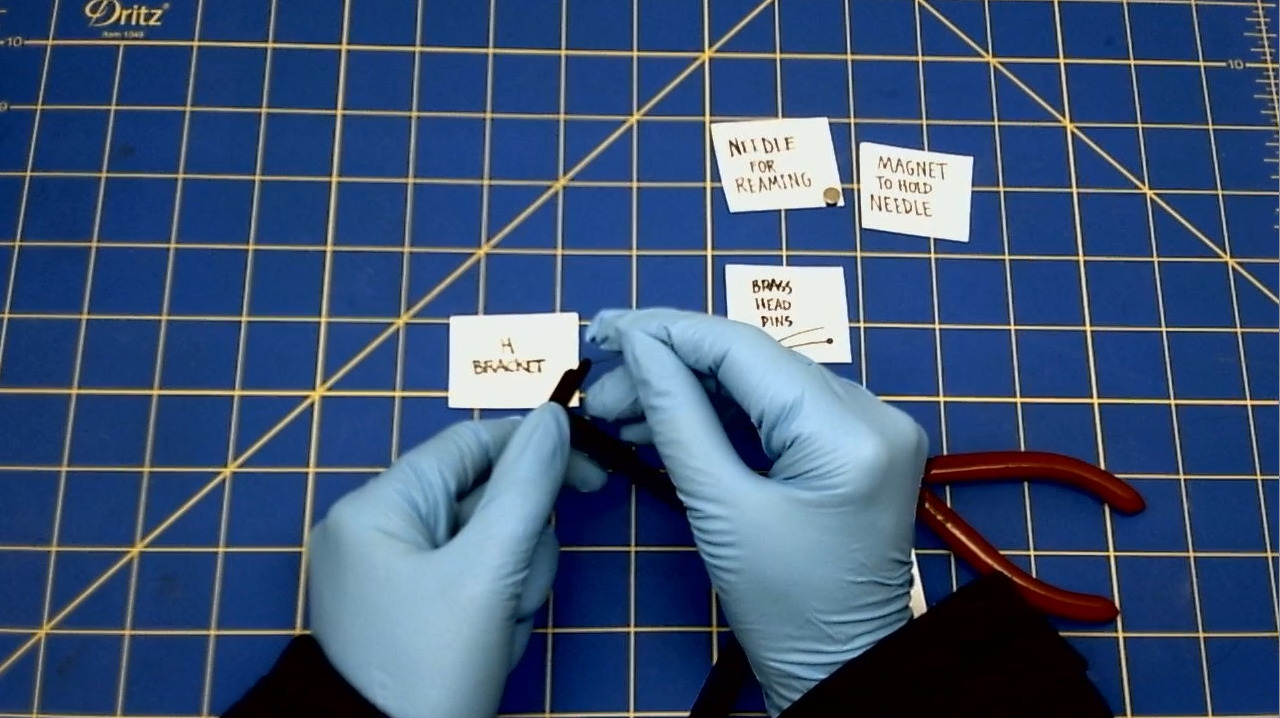
F. Ream the two Compass Pin Holders in the Bottom Disk
II. PREPARING THE HARDWARE
A. Prepare the Compass Pin
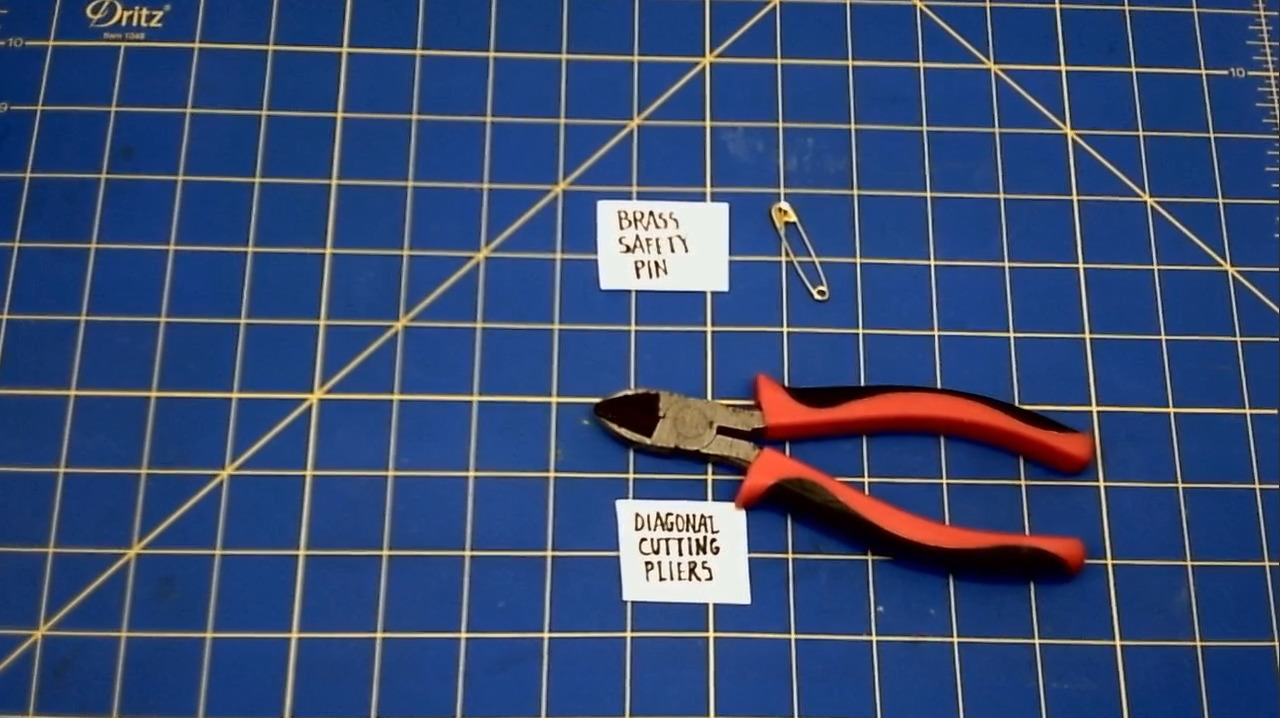 * Cut the sharp part off of the Brass Safety pin, using the diagonal cutting pliers.
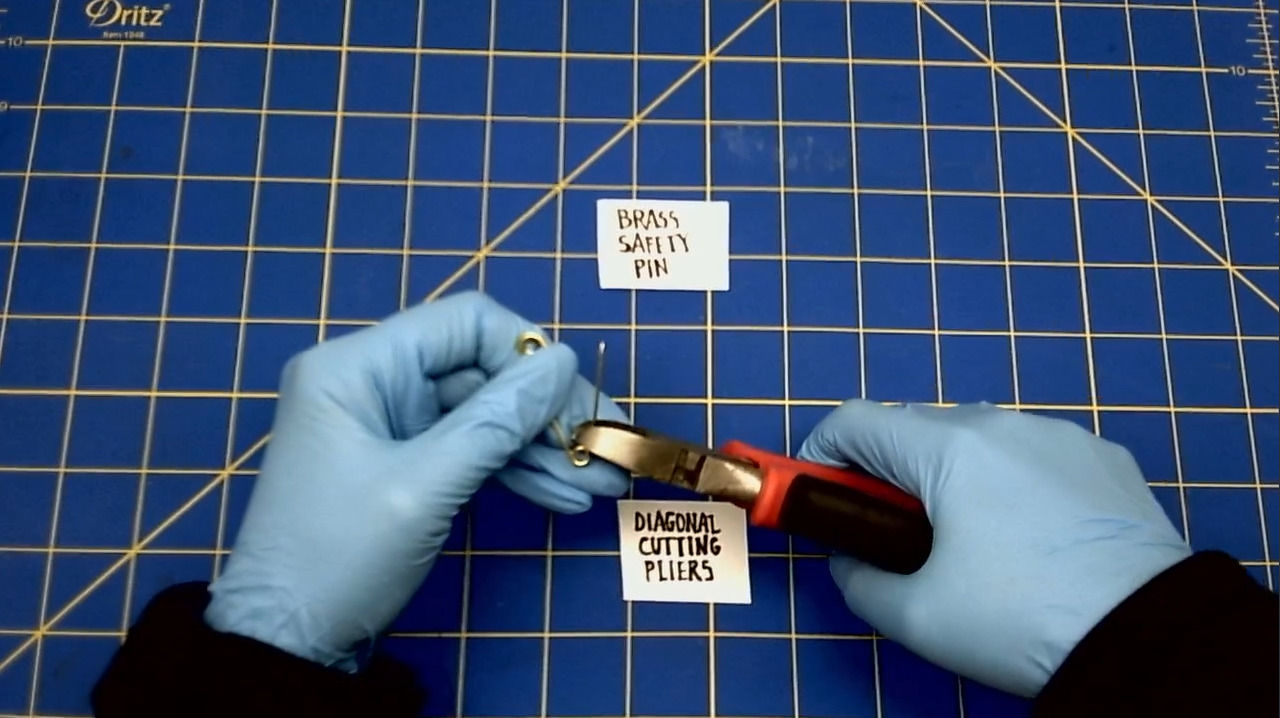
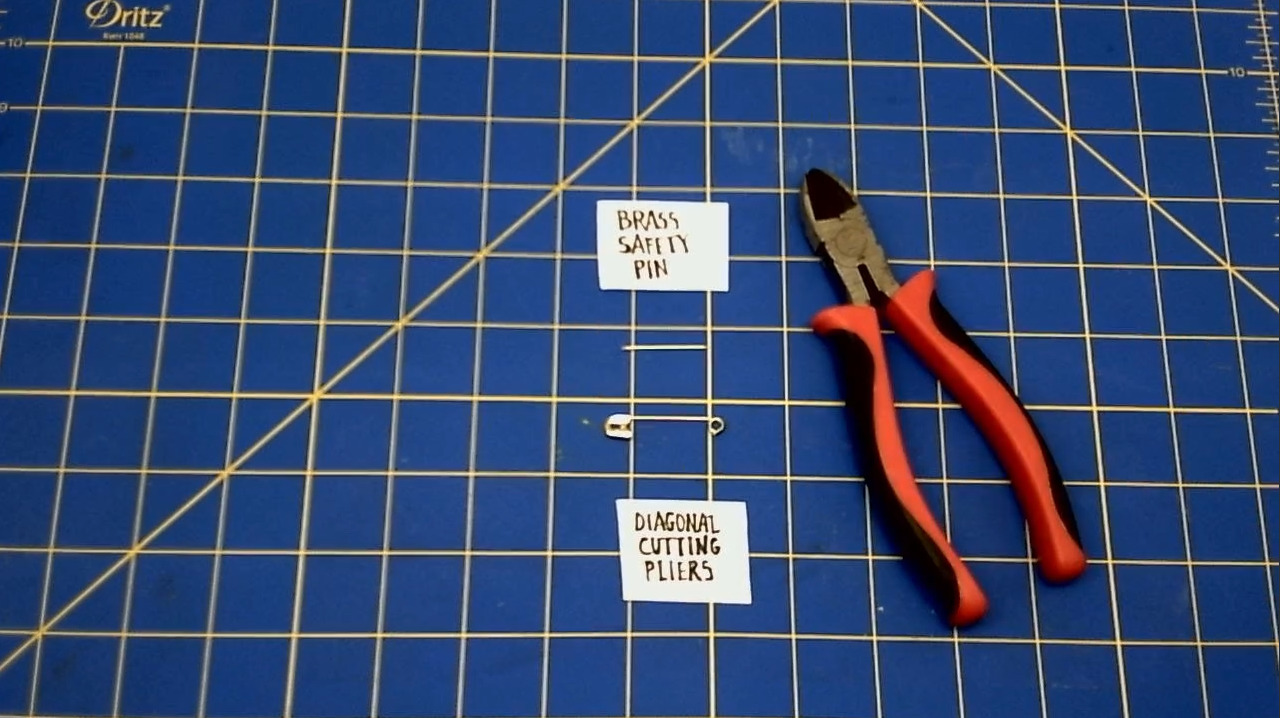 * Set aside for now.
B. Place the Brass Inserts into the Top Disk
We are applying the Hot press the Inserts into the Top Disk.
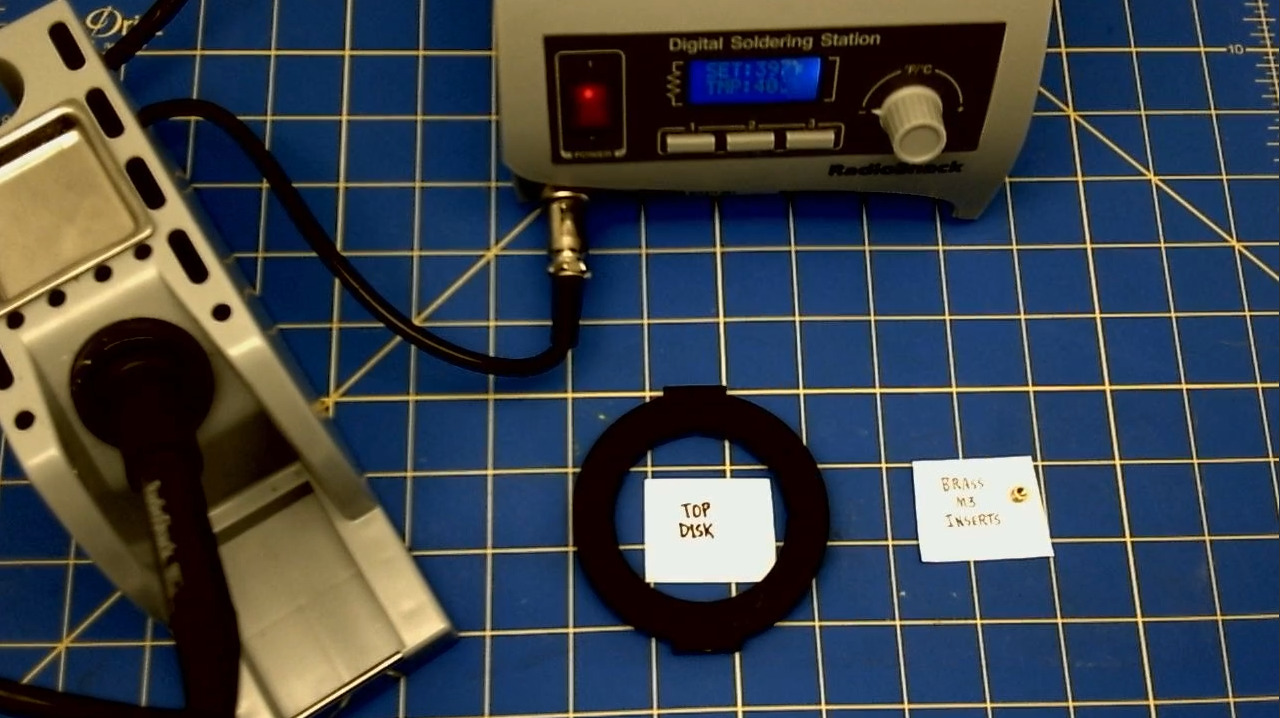
- Heat up the soldering iron to 400 degrees Farenheit.
- Place the first insert into the hole on the Top Disk.
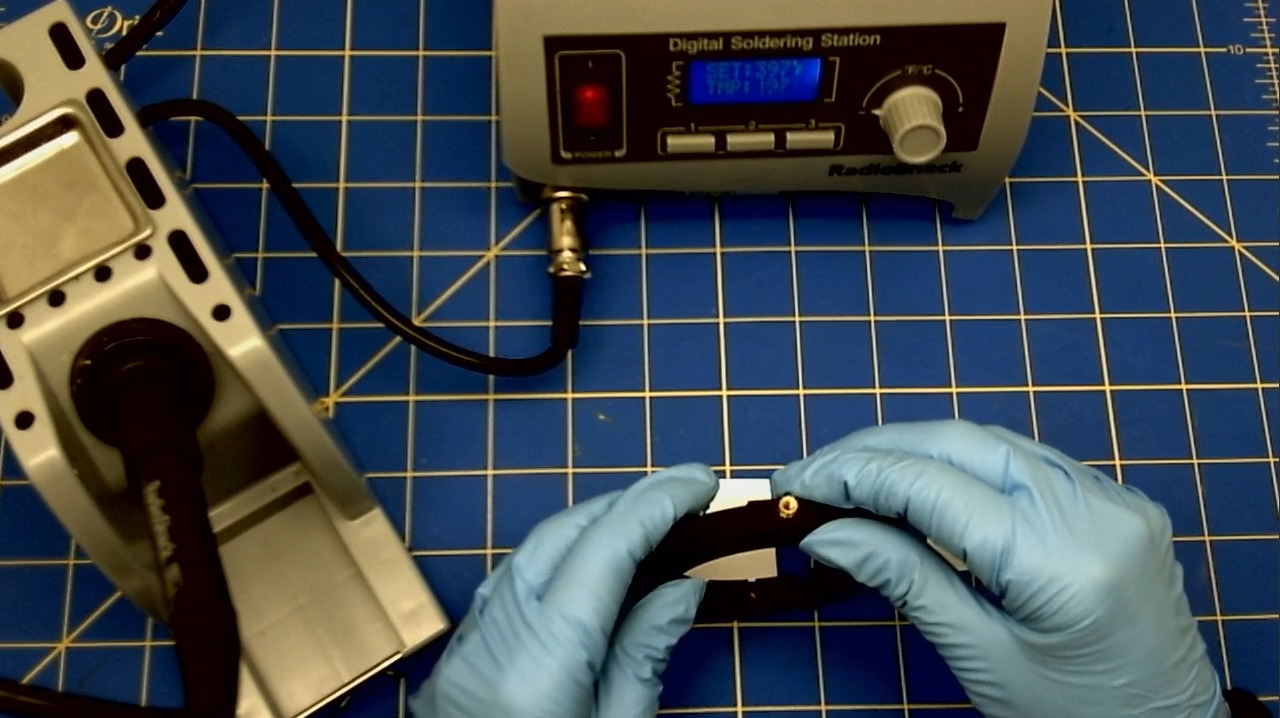
- Place the tip of the iron into the brass insert.
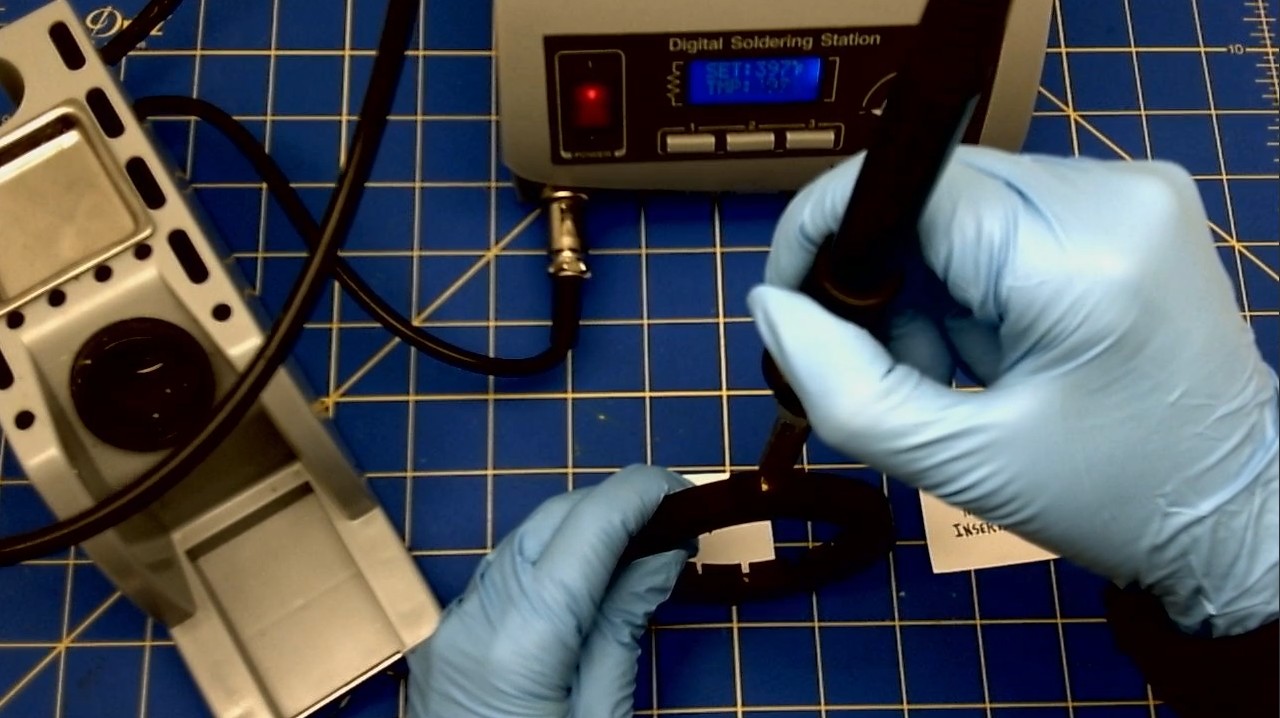
- Wait for the insert to heat up and then gently push the insert into the plastic of the Top Disk.
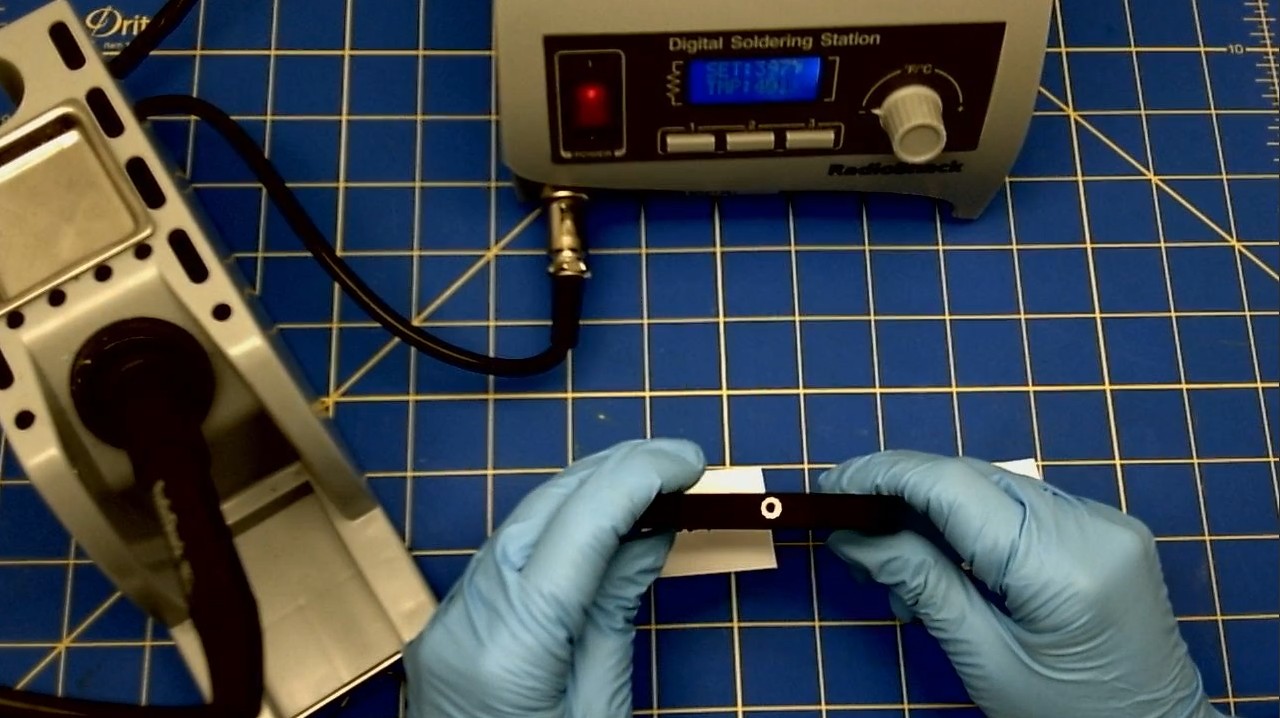
- Repeat these steps for the second insert.
III. GLUING HARDWARE
A. We are installing the compass into the Bottom Disk.
* Use a Hot Glue Gun to glue the compass into the Bottom Disk.
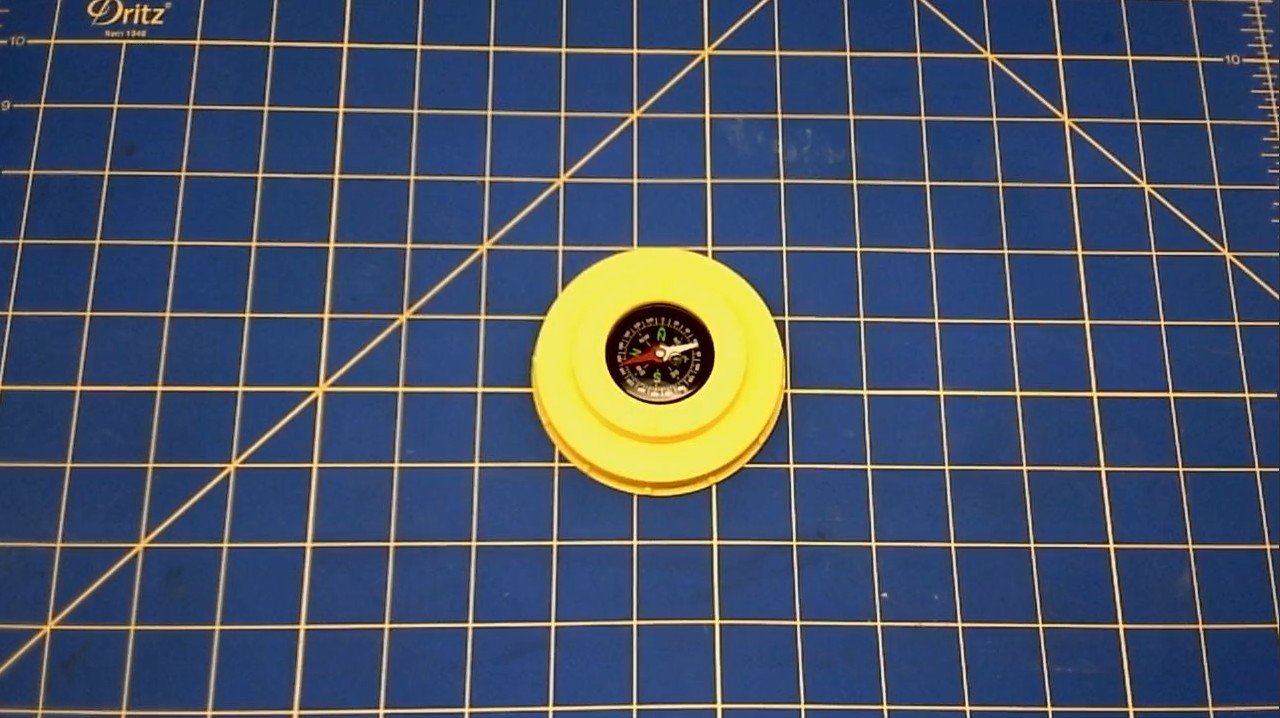
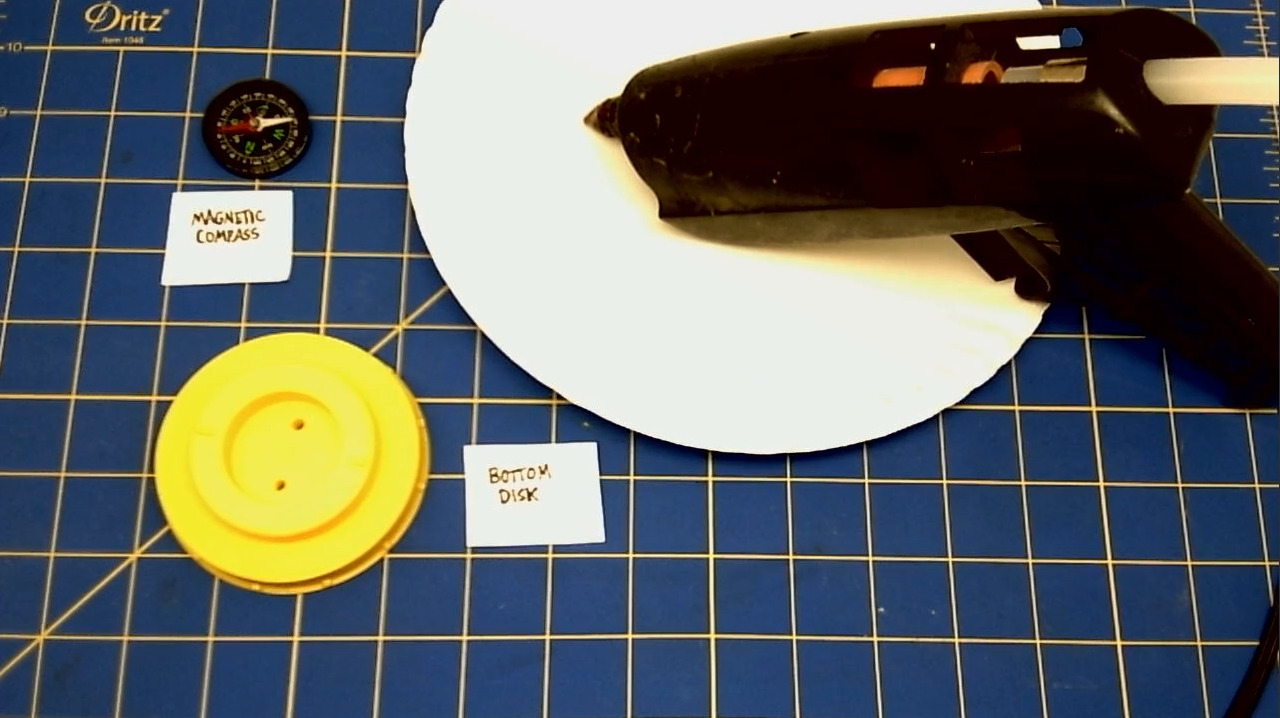 * Firmly push the compass into the hole of the Bottom Disk.
* Line up North on the compass to one of the Bottom Disk Compass Pin holders.
* Firmly push the compass into the hole of the Bottom Disk.
* Line up North on the compass to one of the Bottom Disk Compass Pin holders.
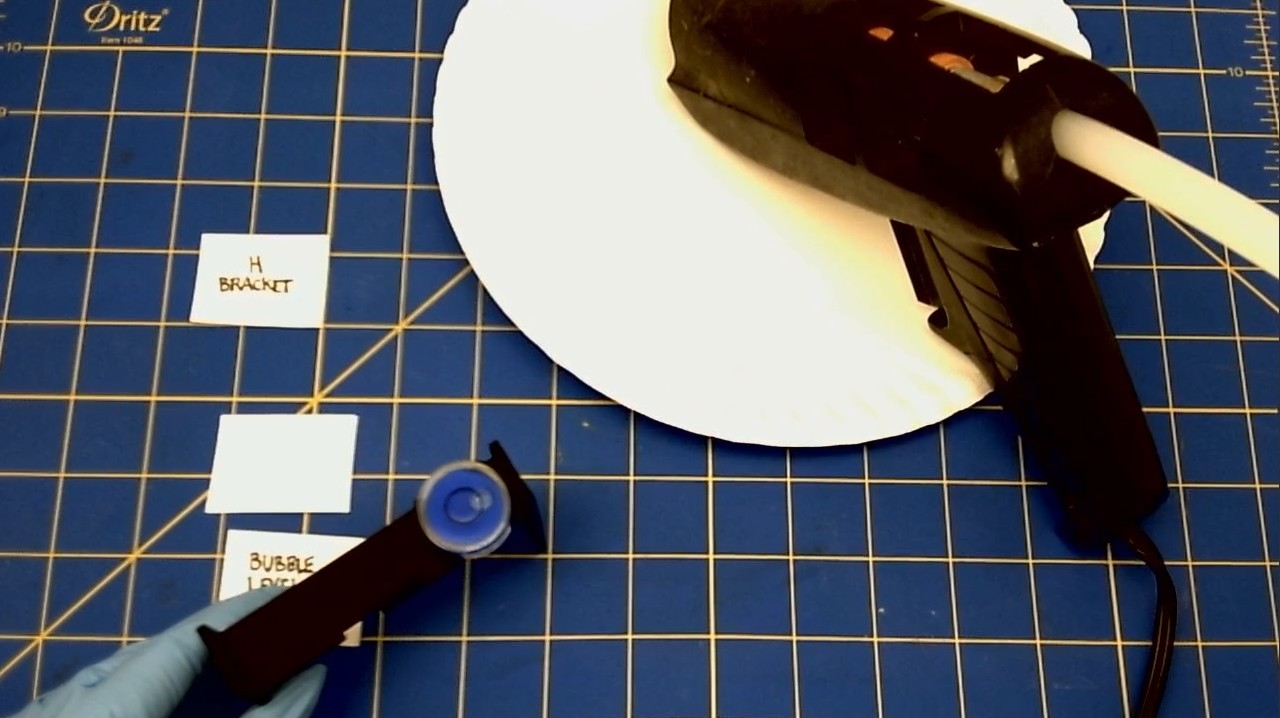
We are applying the The Bubble Level to the H Bracket with a Hot Glue Gun.
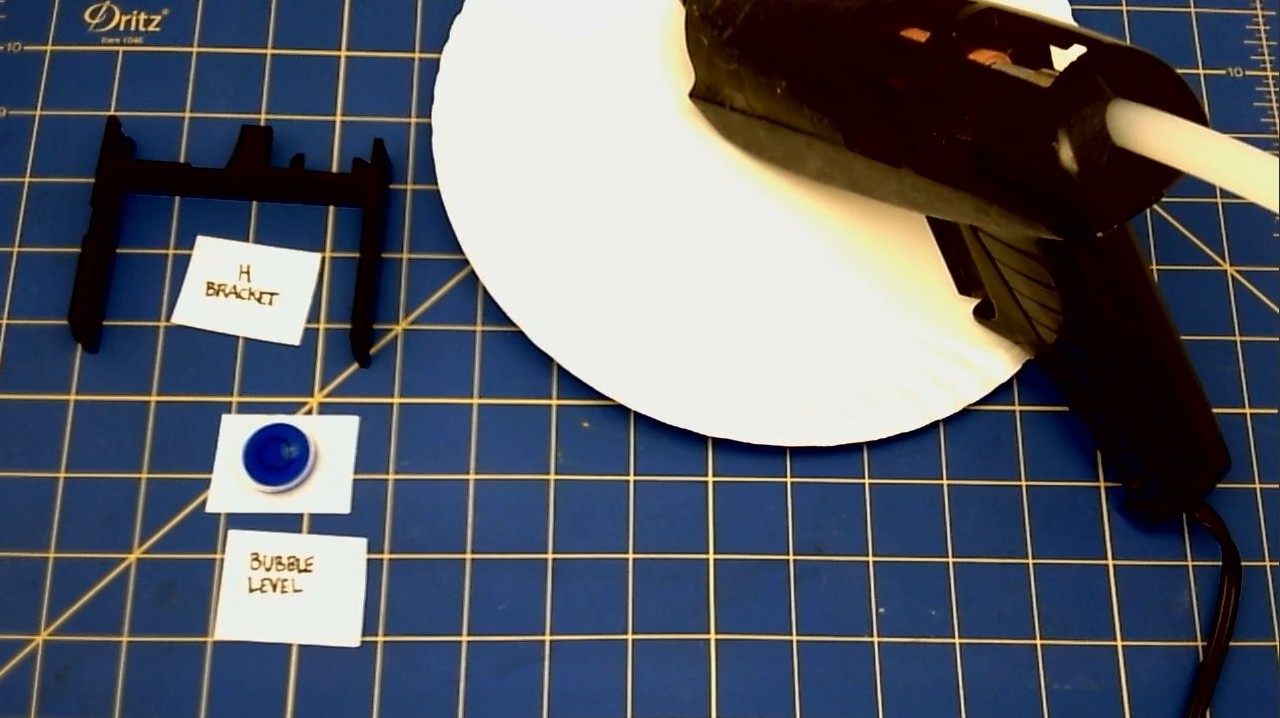 * Once the glue has dried, press the Bubble Level into the circular bracket on the cross piece of the H Bracket.
Contact Cement
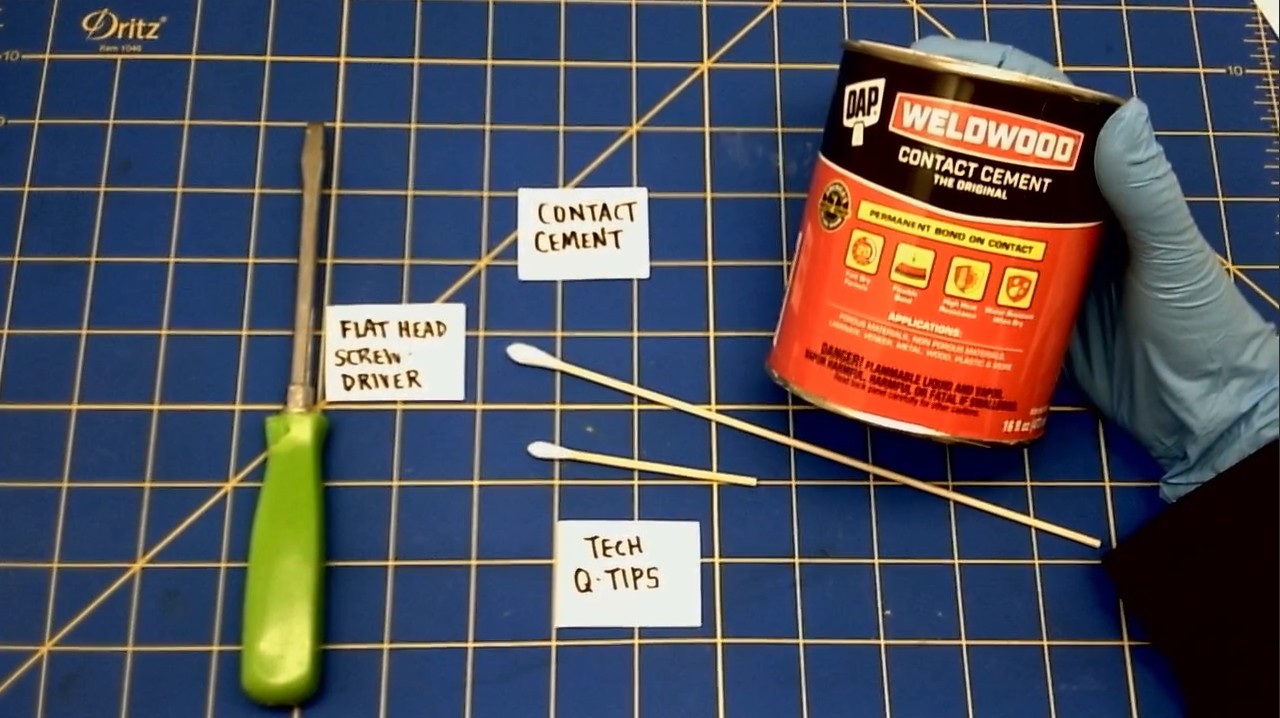
To glue the brass Tripod Nut into the Bottom Disk, we are going to use Contact Cement. Contact Cement is a fantastic glue. It is a very forgiving glue. You have time to adjust the things that you're gluing together. And it sticks tenaciously to most materials.
The Bottom Disk Tripod Nut
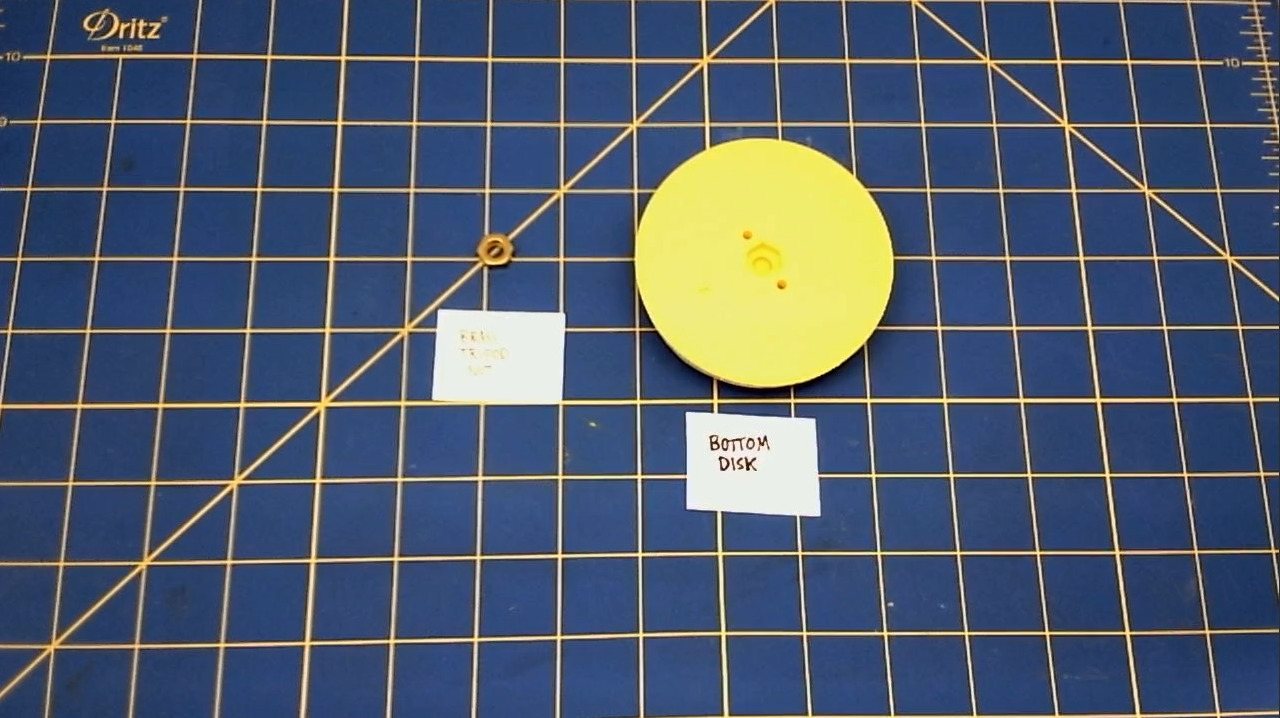
We are applying The Tripod Nut to the Bottom Disk. * Apply contact cement to one side of the nut. * Apply contact cement to the hole in the bottom of the Bottom Disk. * Wait about 20 minutes for the glue to dry. * Once the glue has dried, push the brass Tripod Nut into the hole of the Bottom Disk.
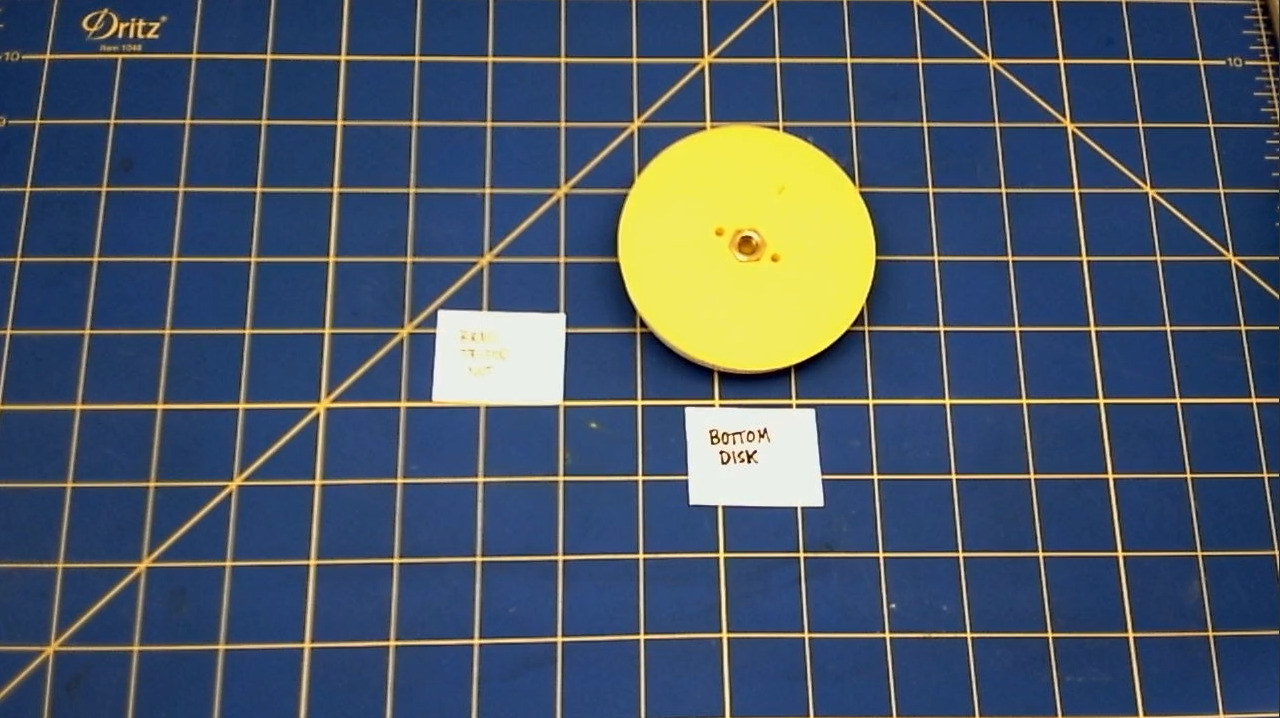
IV. GLUING THE SCALES 022
The Bottom Sighting Arm
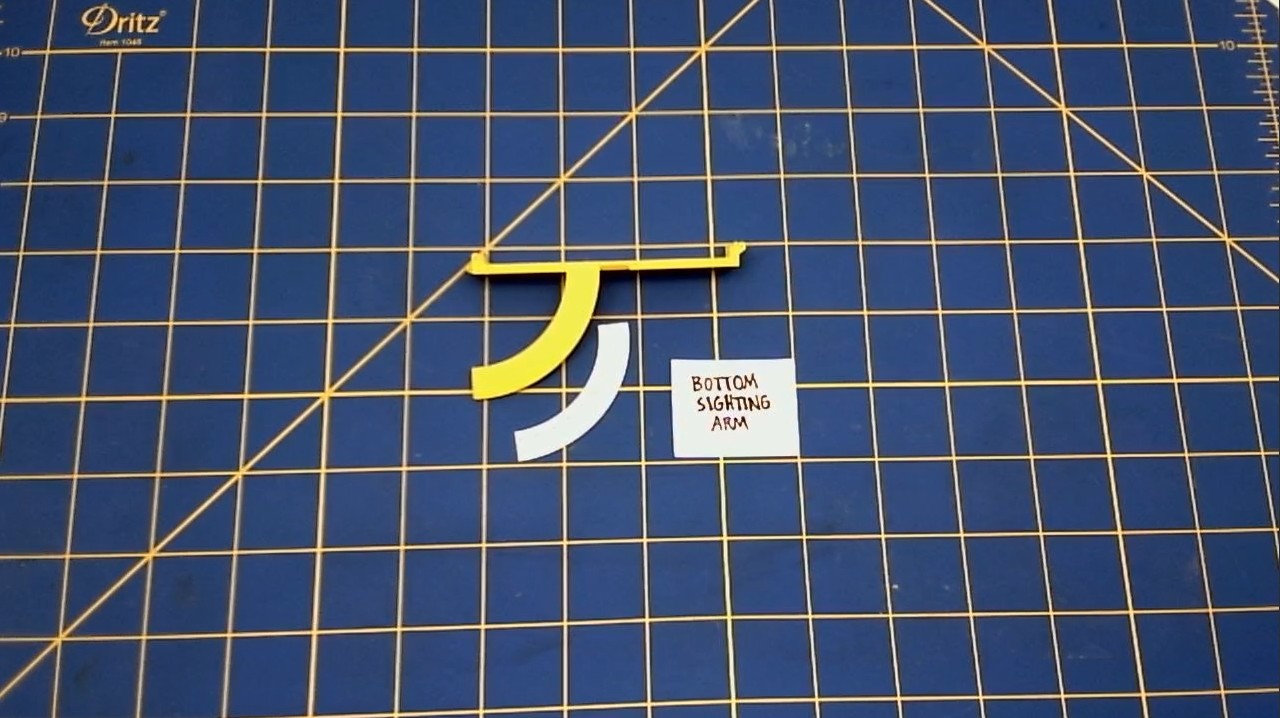
We are applying the Vertical Protractor to the Bottom Sighting Arm.
* Apply contact cement to the curved arm of the Bottom Sighingt Arm.
* Apply contact cement to the non-printed side of the Vertical Protractor.
* Wait about 20 minutes for the glue to dry.
* Once the glue has dried, press the Vertical Protractor onto the curved arm of the Bottom Sighting Arm.
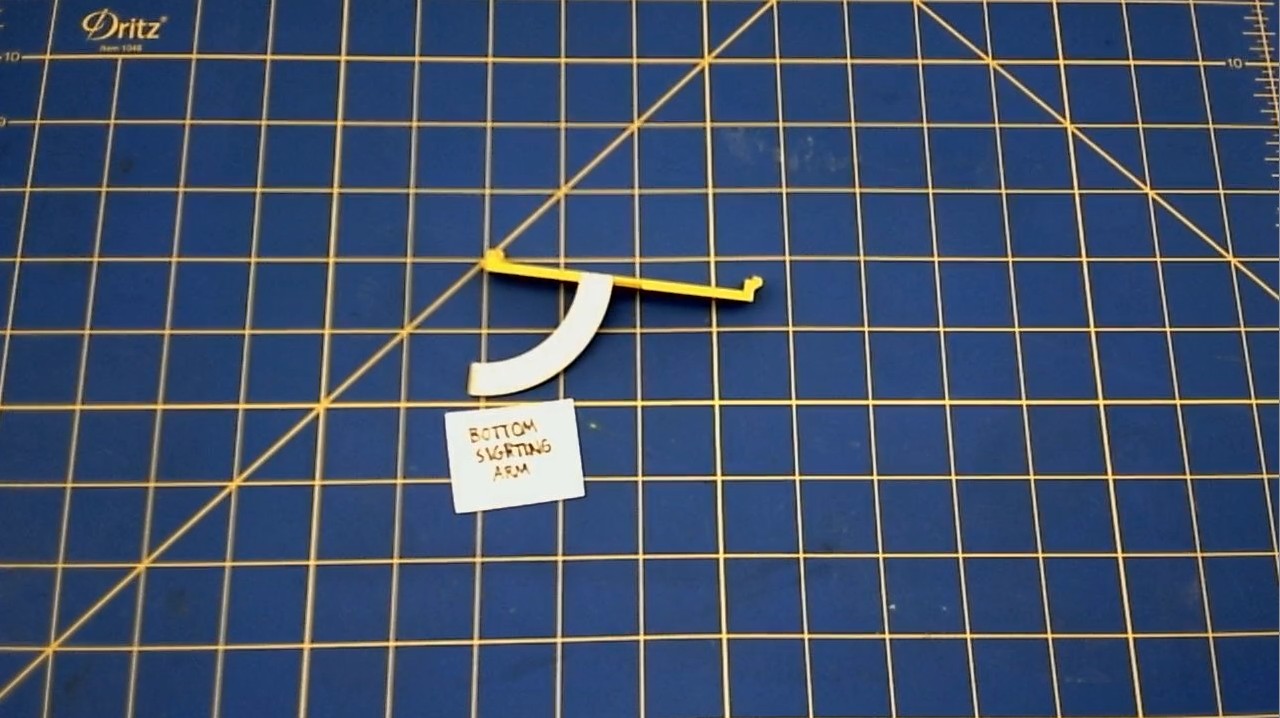
?Line it up with ???
The Bottom Disk 023
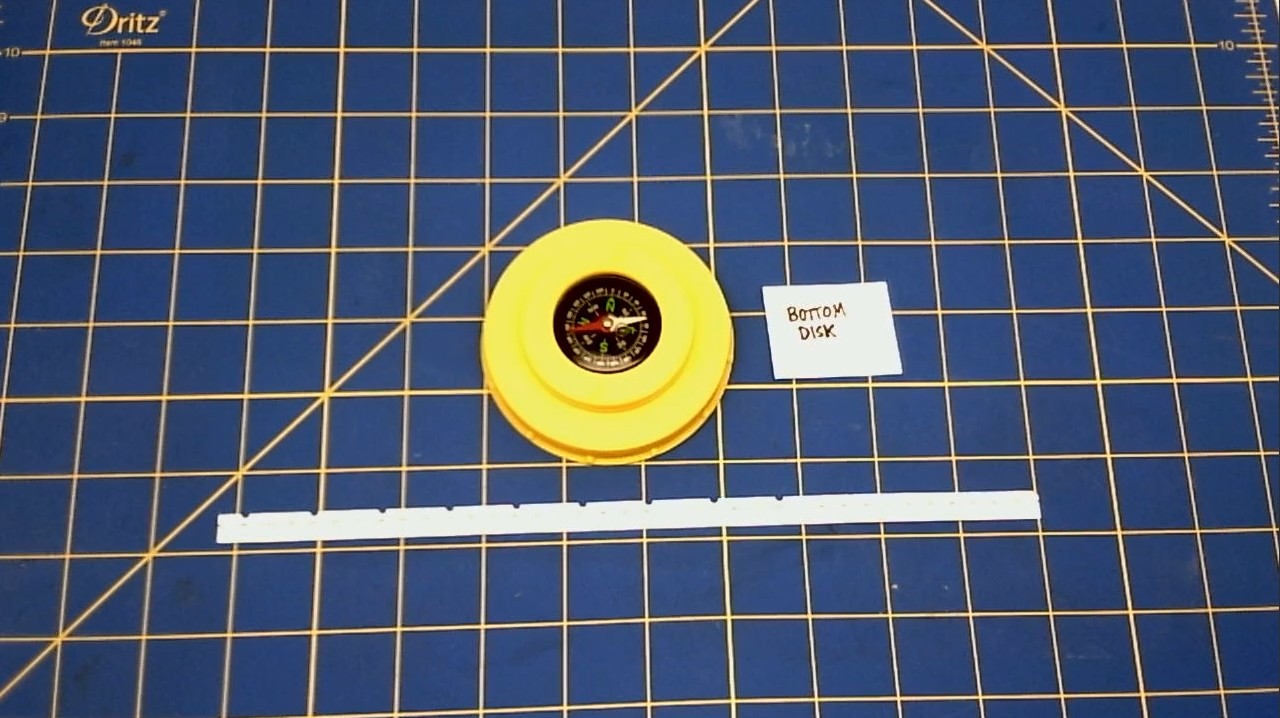
We are applying the Bottom Disk Scale to the Bottom Disk
* Apply contact cement to the side of the Bottom Disk.
* Apply contact cement to the Bottom Disk Scale.
* Wait about 20 minutes for the glue to dry.
* Once the glue has dried, press the Bottom Disk Scale onto the side of the Bottom Disk.
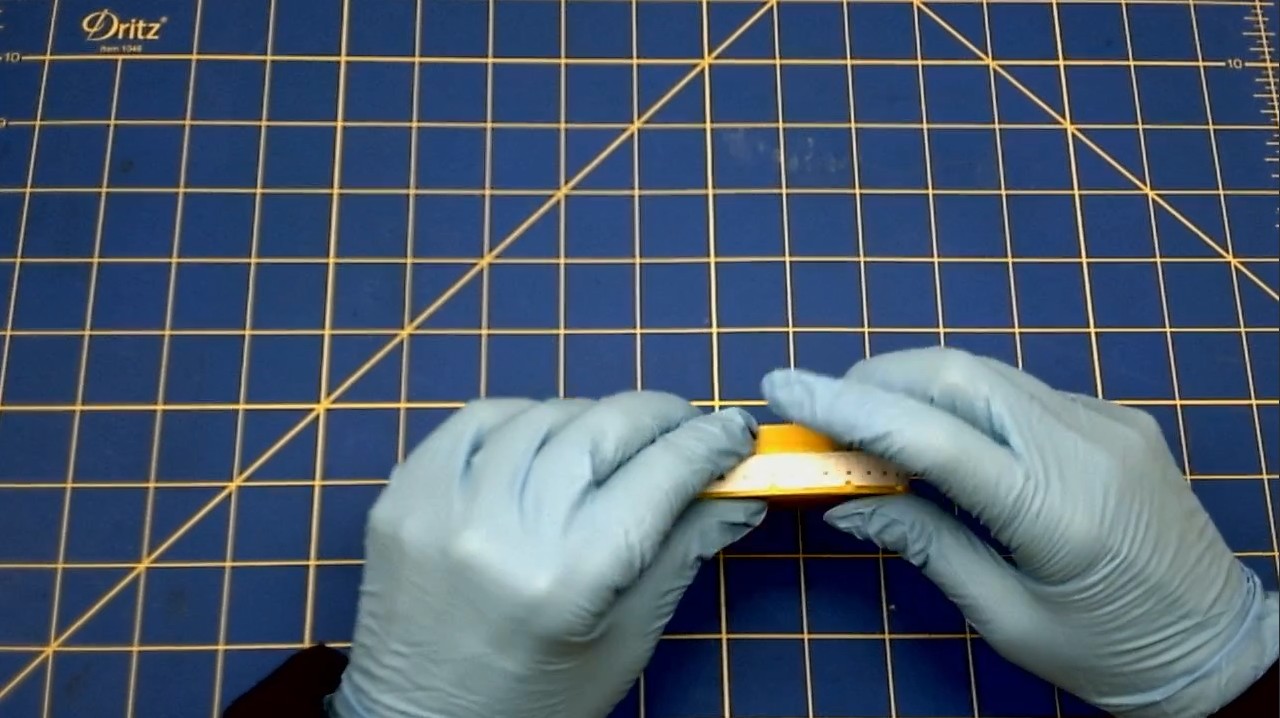
The Top Disk Circular Scale 024
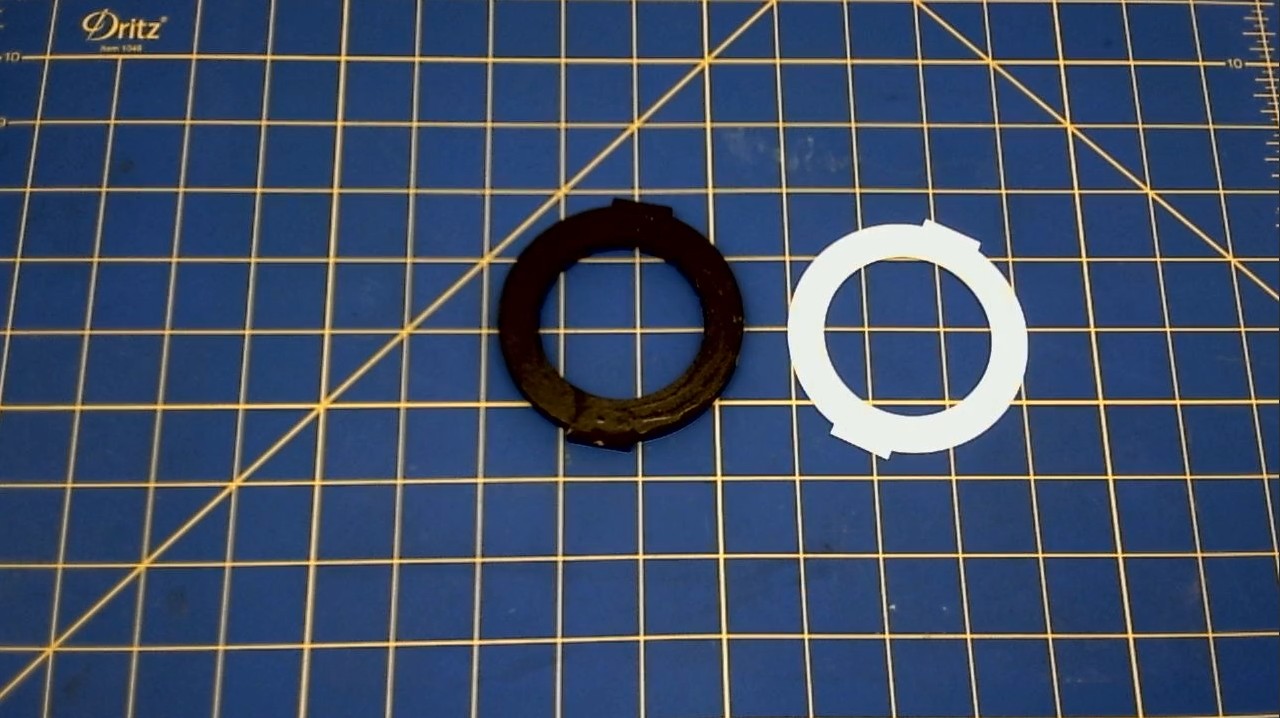
We are applying the Top Disk Scale to the Top Disk. * Apply contact cement to the top of the Top Disk. * Apply contact cement to the Top Disk Scale. * Wait about 20 minutes for the glue to dry. * Once the glue has dried, press the Top Disk Scale onto the top of the Top Disk.
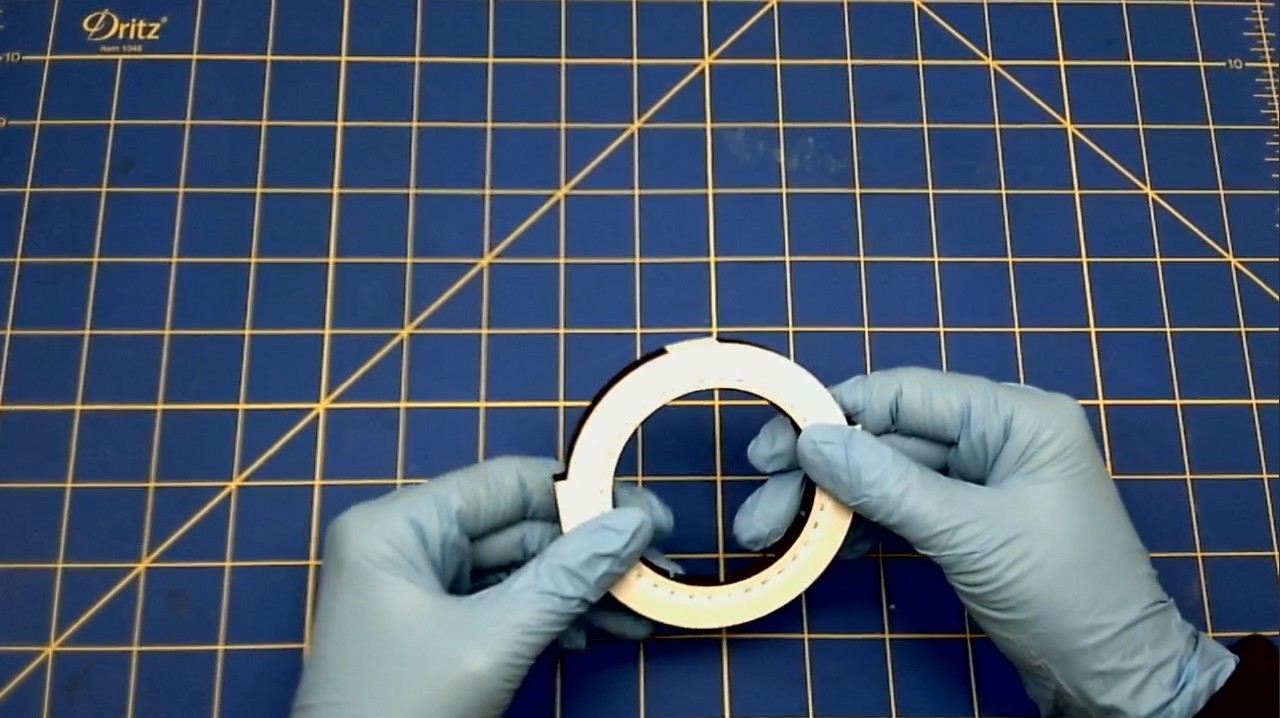
Top Disk Vernier Scale 025 We are applying the Vernier Scale on to the Top Disk.
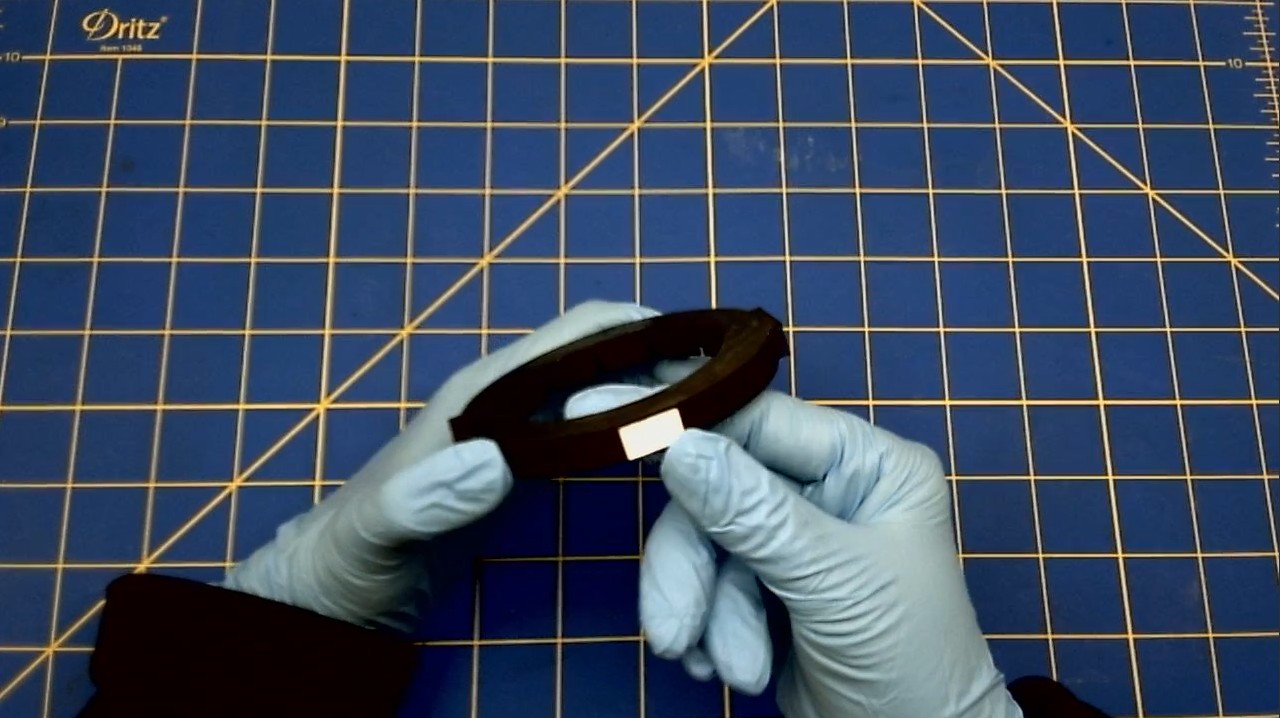
- Apply contact cement to the side of the Top Disk that has a small rectangle shape.
- Apply contact cement to the non-printed side of the small rectangular Vernier Scale.
- Wait about 20 minutes for the glue to dry.
- Once the glue has dried, press the Vernier Scale into the indentation of the Top Disk.
H Bracket Vernier Scale 026
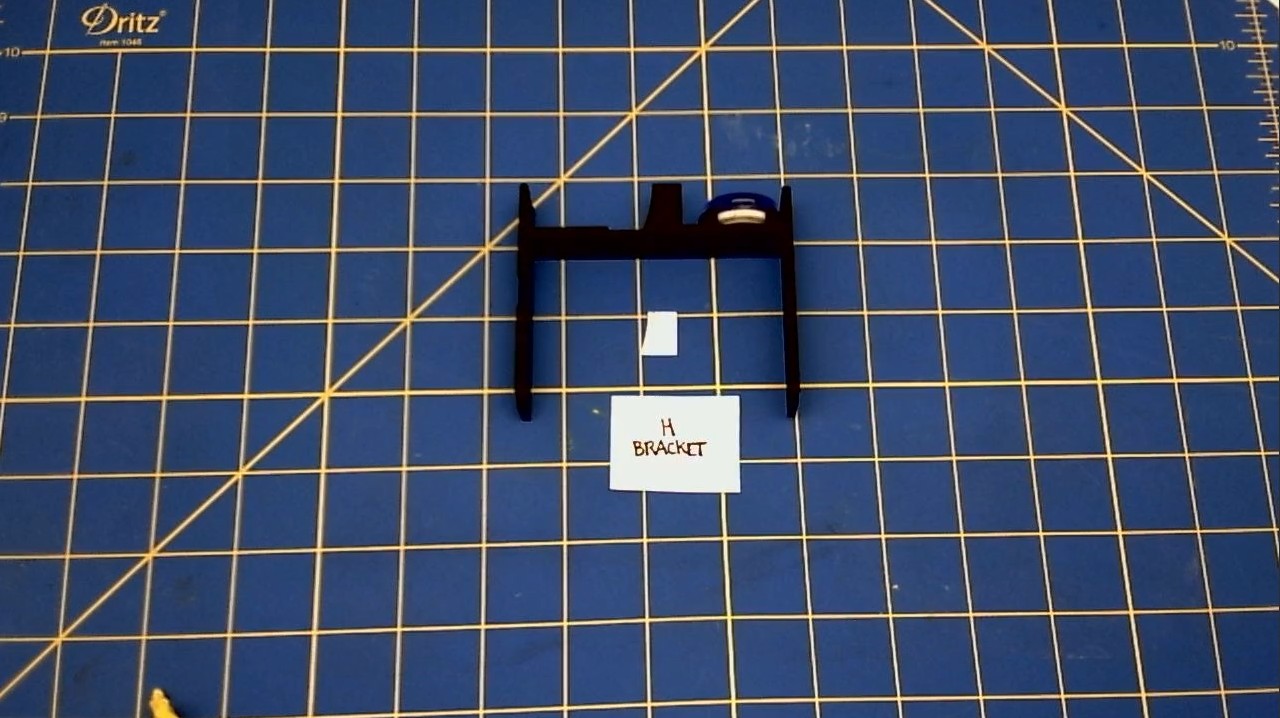
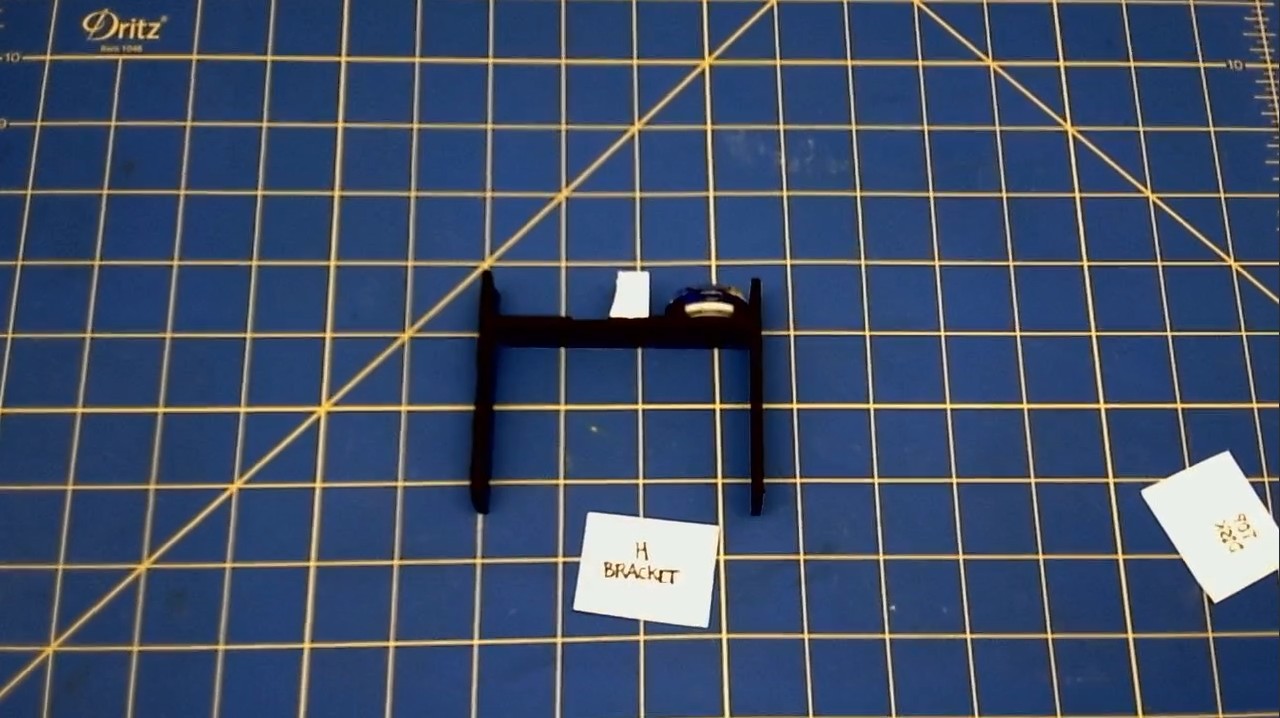
We are applying the Vernier Scale on to the H Bracket. * Apply contact cement to the curved/square side of the H Bracket. * Apply contact cement to the non-printed side of the small curved/square Vernier Scale. * Wait about 20 minutes for the glue to dry. * Once the glue has dried, press the curved/square Vernier Scale on to the H Bracket.
V. ASSEMBLING THE PARTS
[PHOTO OF ASSEMBLED SIGHT] We will be assembling the parts from the top of the unit to the bottom of the unit.
Assembling the Front Sight
-
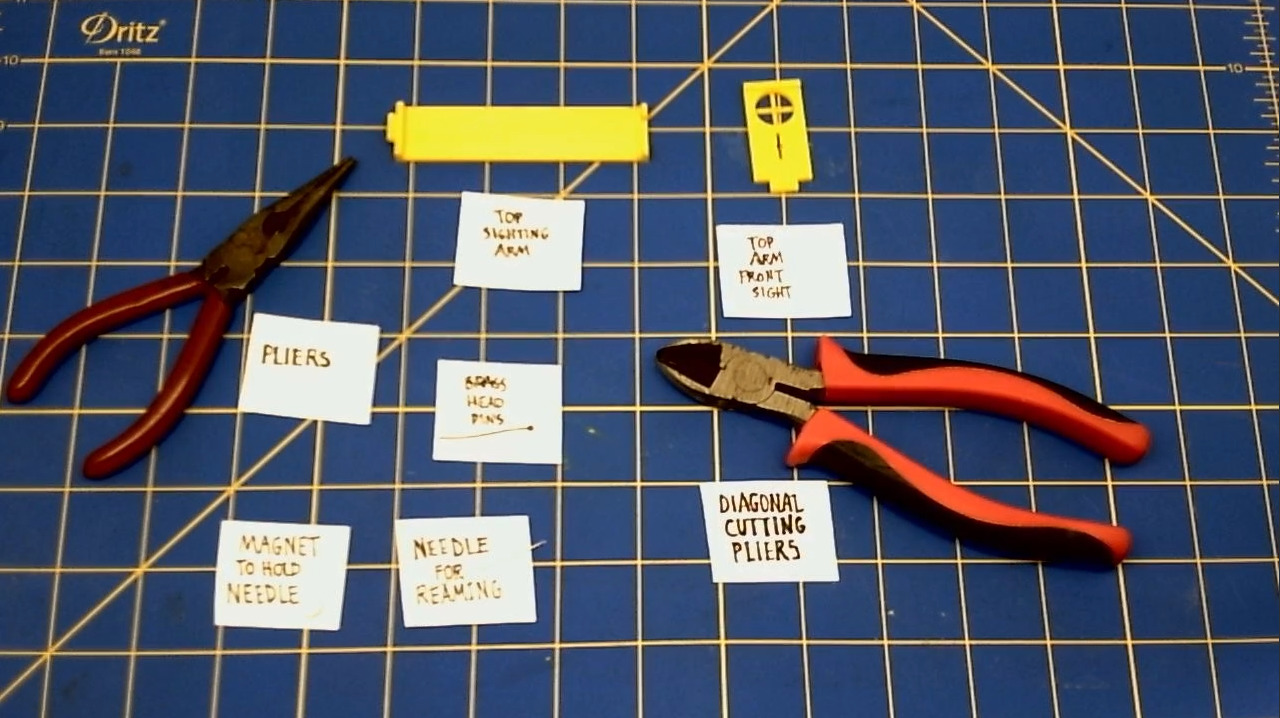
First, click the Front Sight hinge part into the hinge part of the Top Sighting Arm.
-
Then, fold the Front Sight down.
-
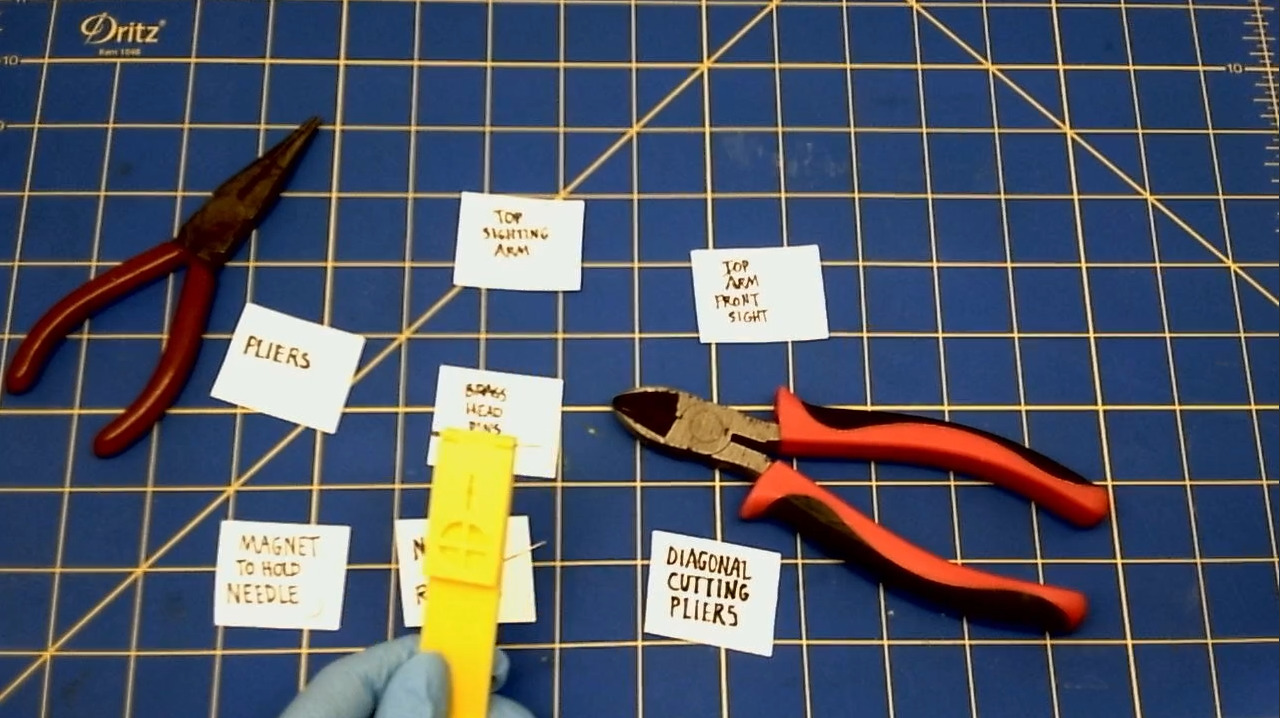
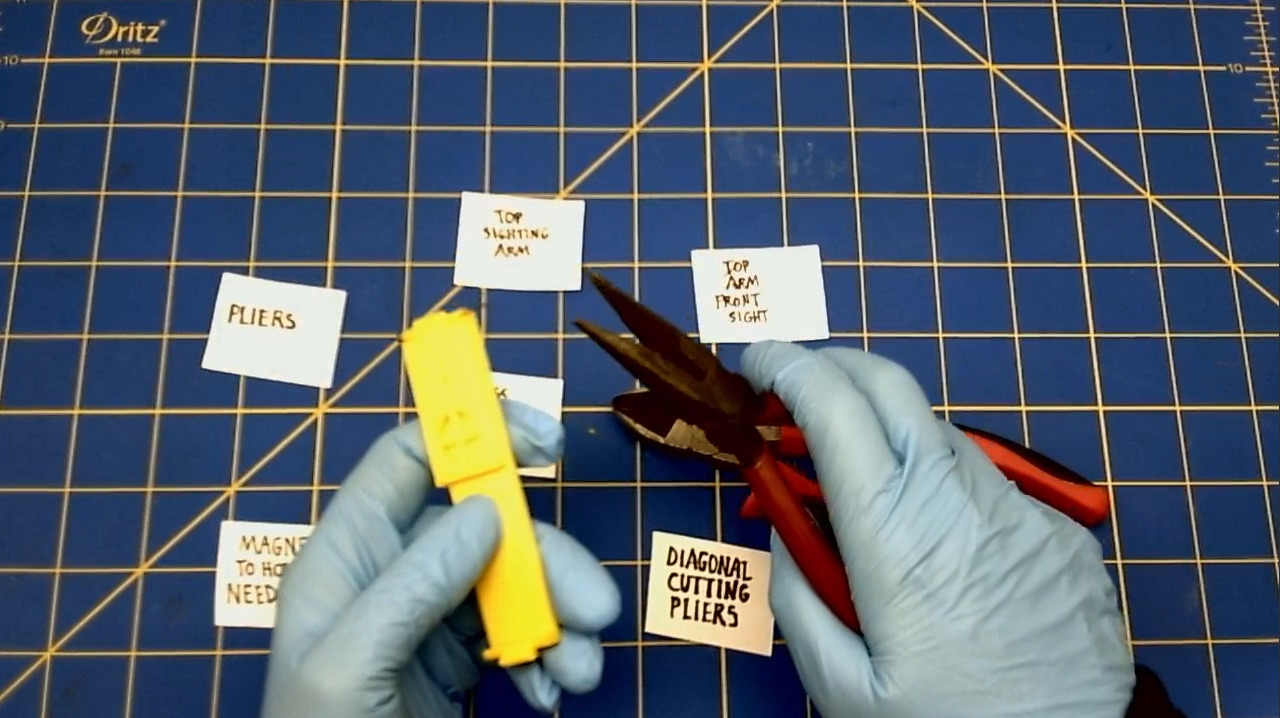
Join the Front Sight to the Top Sighting Arm by sliding the brass Head Pin into the holes of the hinge.
-
Once you've gotten the Brass Pin into the hinges, use the pliers to bend the end of the pin.
-
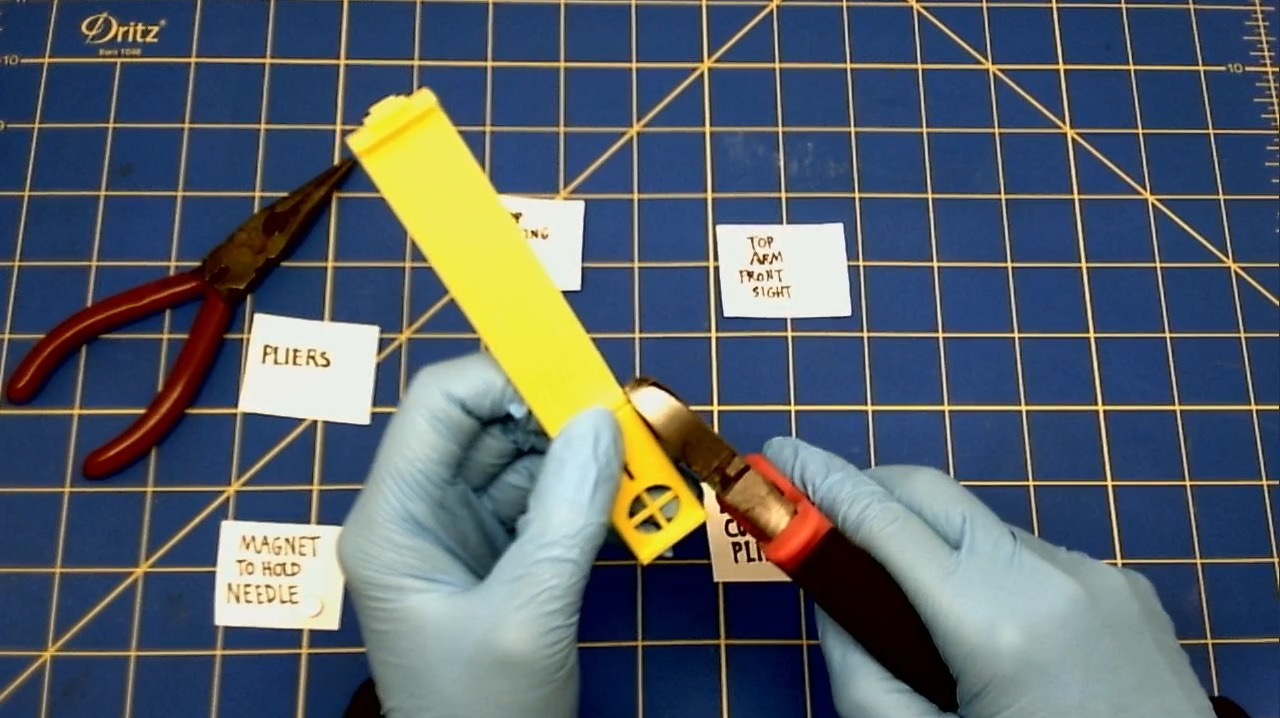
Trim the excess length of the brass Head Pin with the Diagonal Cutting Pliers.
Assembling the Back Sight
-
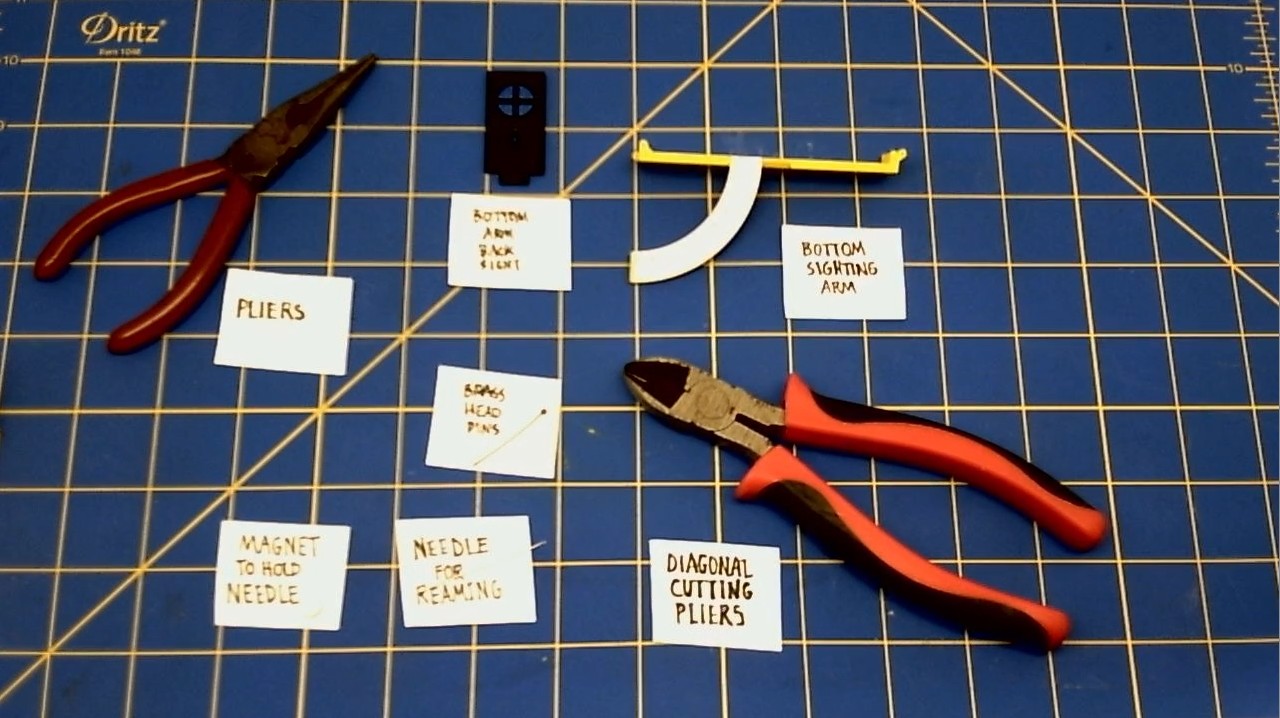
First, click the Back Sight hinge part into the hinge part of the Bottom Sighting Arm.
-
Then, fold the Front Sight down.
-
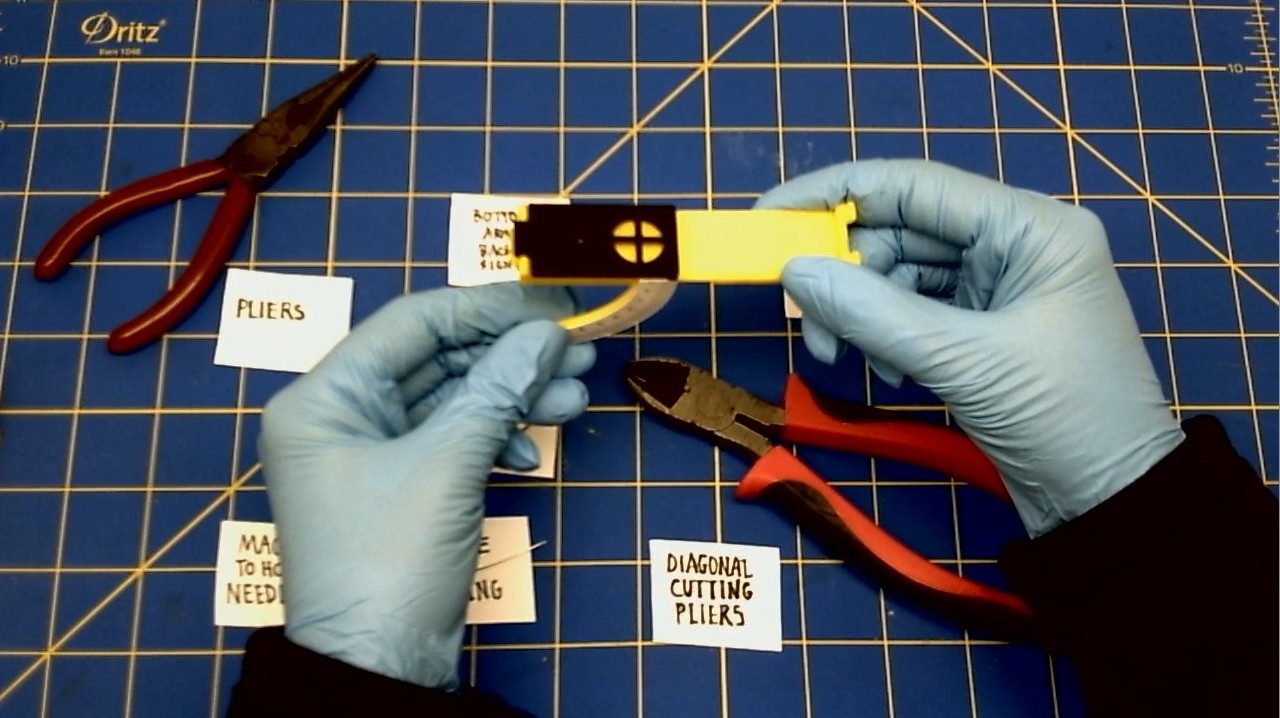
Join the Back Sight to the Bottom Sighting Arm by sliding the brass Head Pin into the holes of the hinge.
-
Trim the excess length of the brass Head Pin.
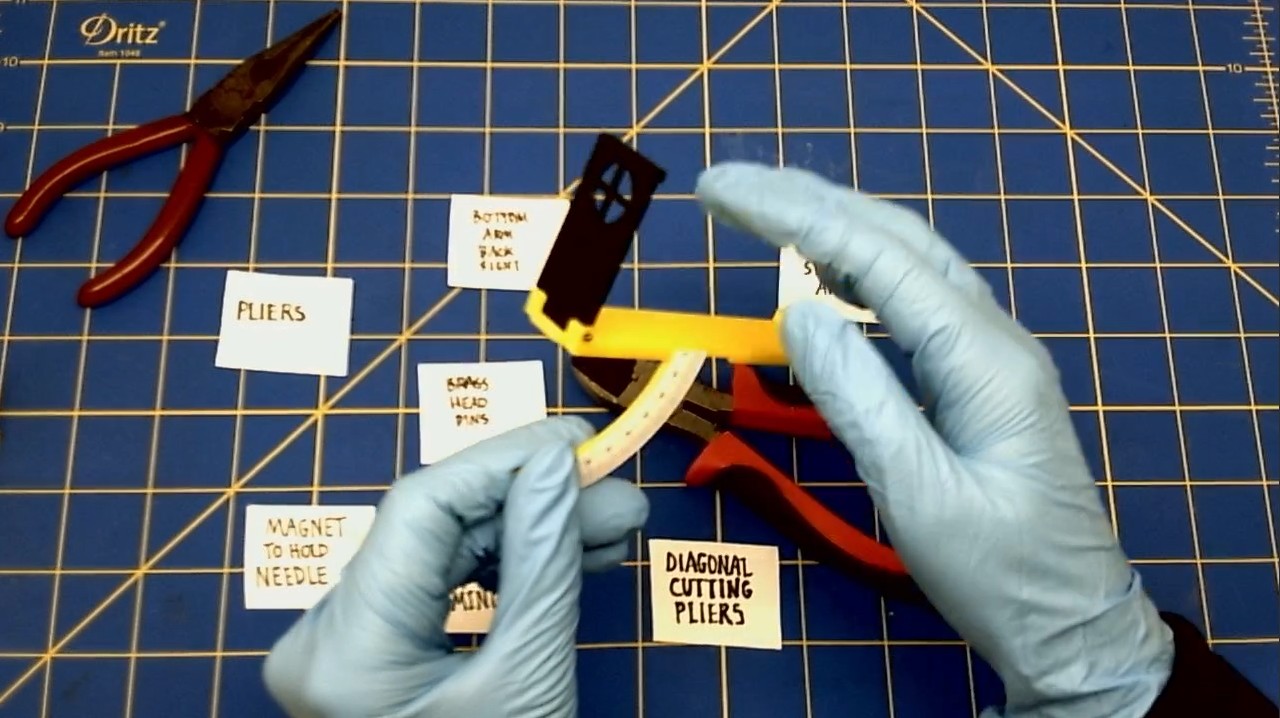
Assembling the Sighting Arm
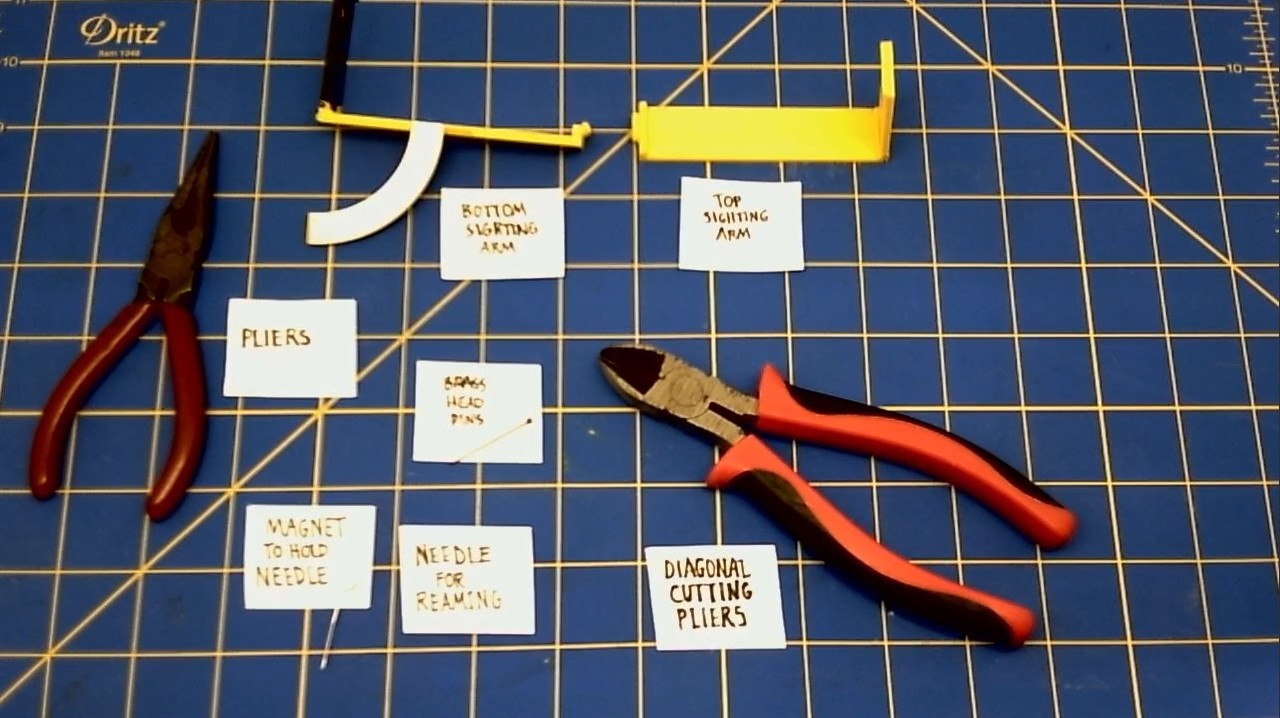
-
First, click the Bottom Sighting Arm hinge part into the hinge part of the Top Sighting Arm.
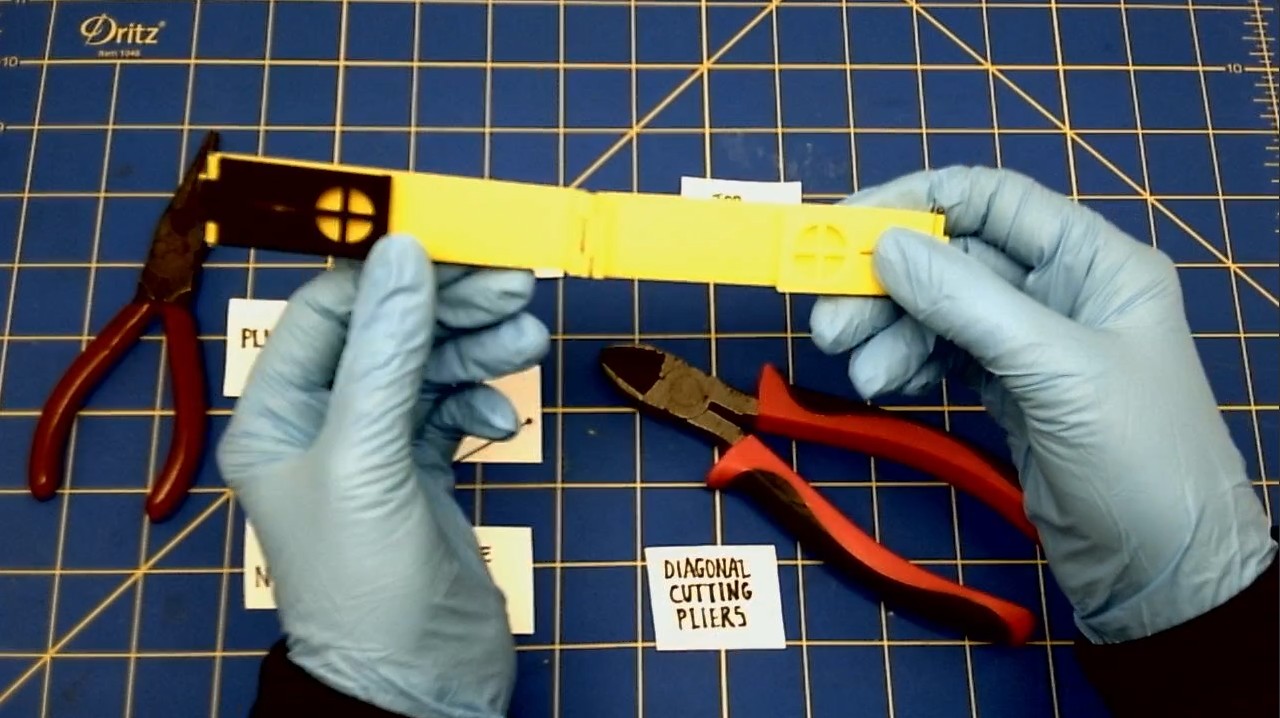
-
Then, fold the Sighting Arm.
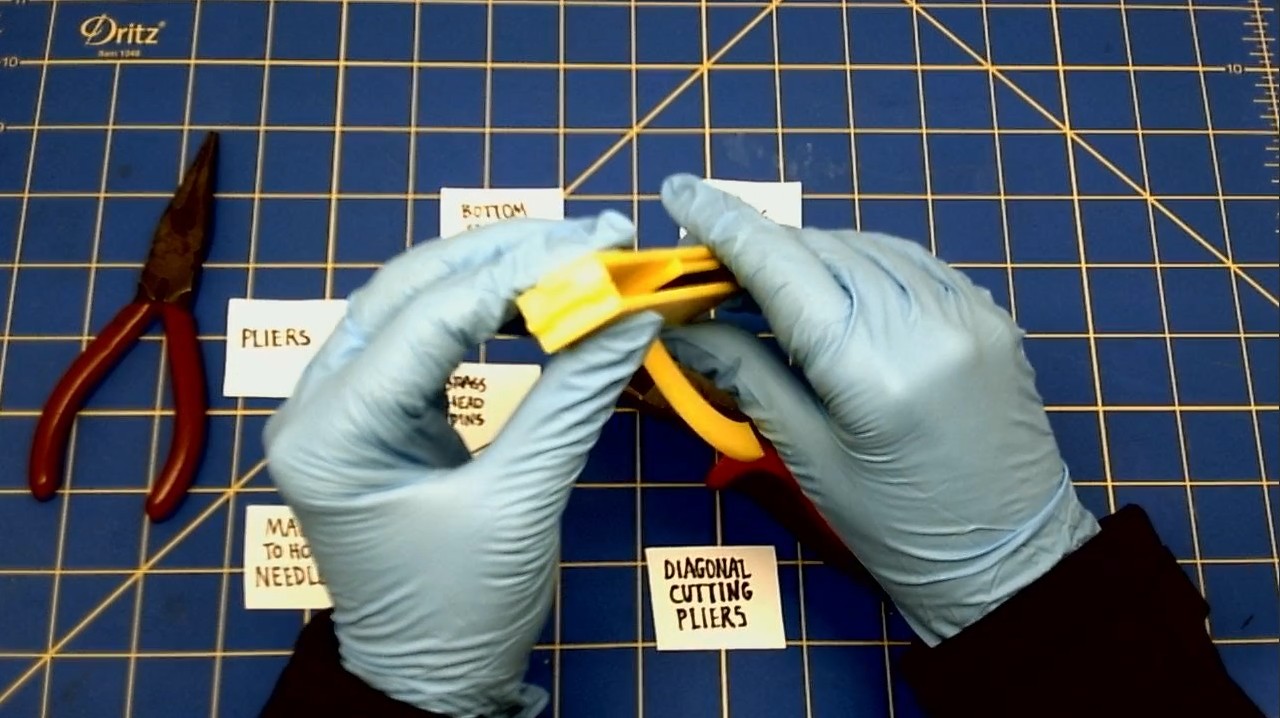
-
Join the Back Sighting Arm to the Front Sighting Arm by sliding the brass Head Pin into the holes of the hinge.
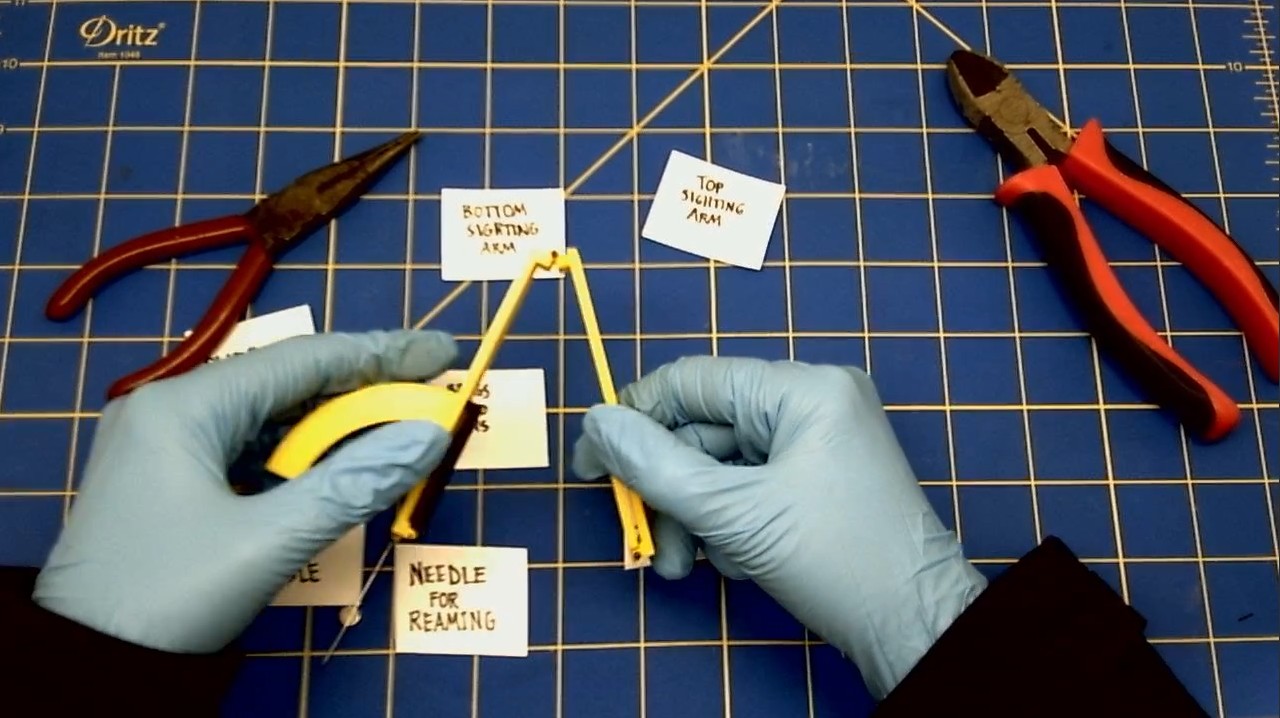
-
Once you've gotten the Brass Pin into the hinges, use the pliers to bend the end of the pin.
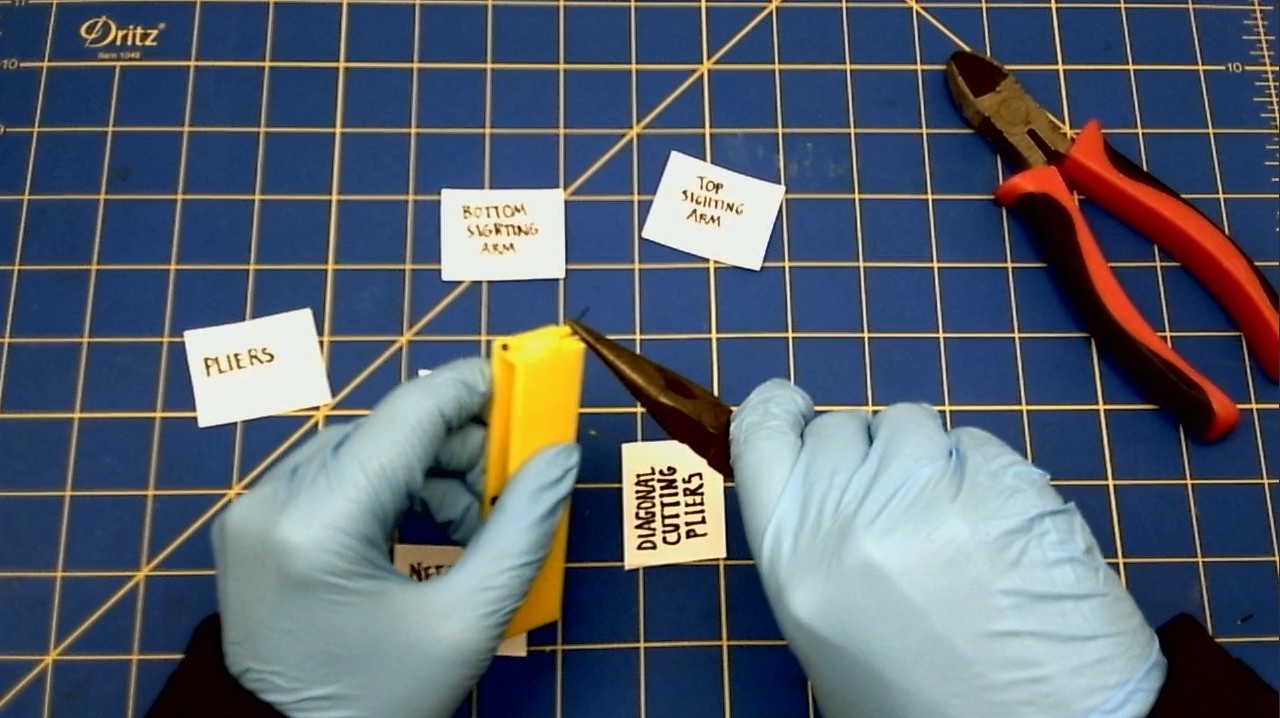
-
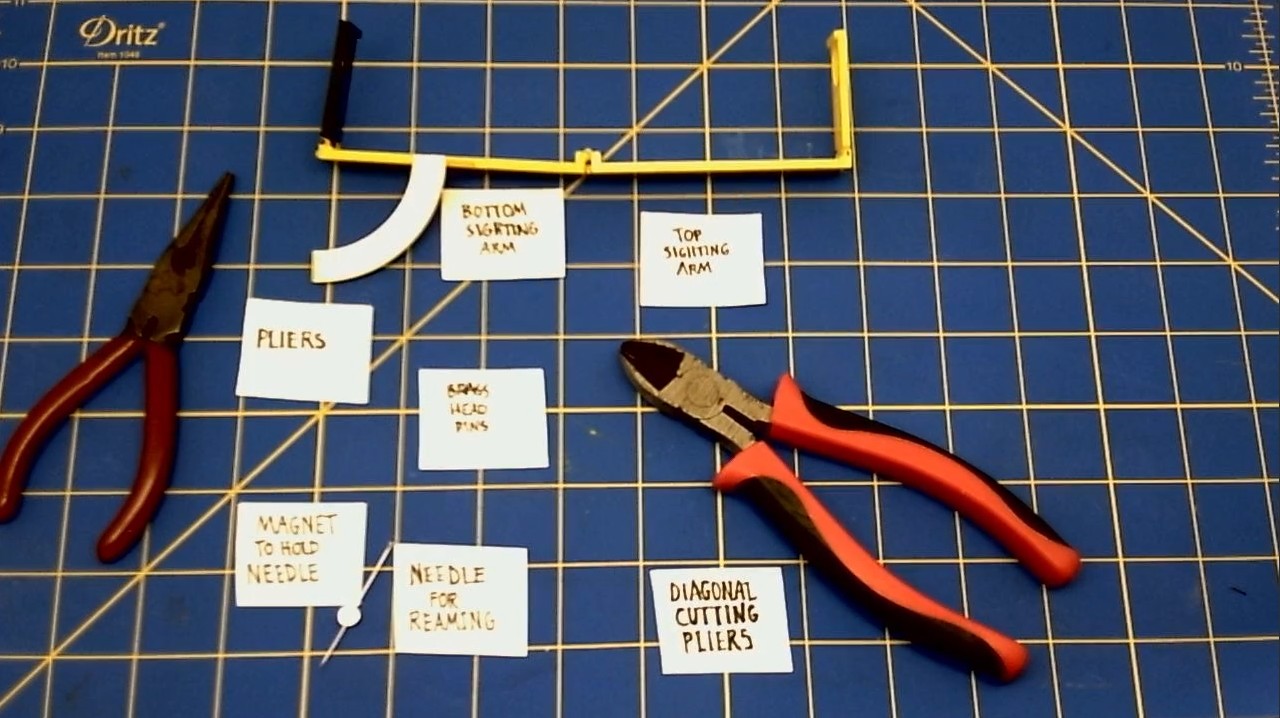
Trim the excess length of the brass Head Pin.
Here is the Sighting Arm in it's completed state.
Attaching the Sighting Arm to the H Bracket
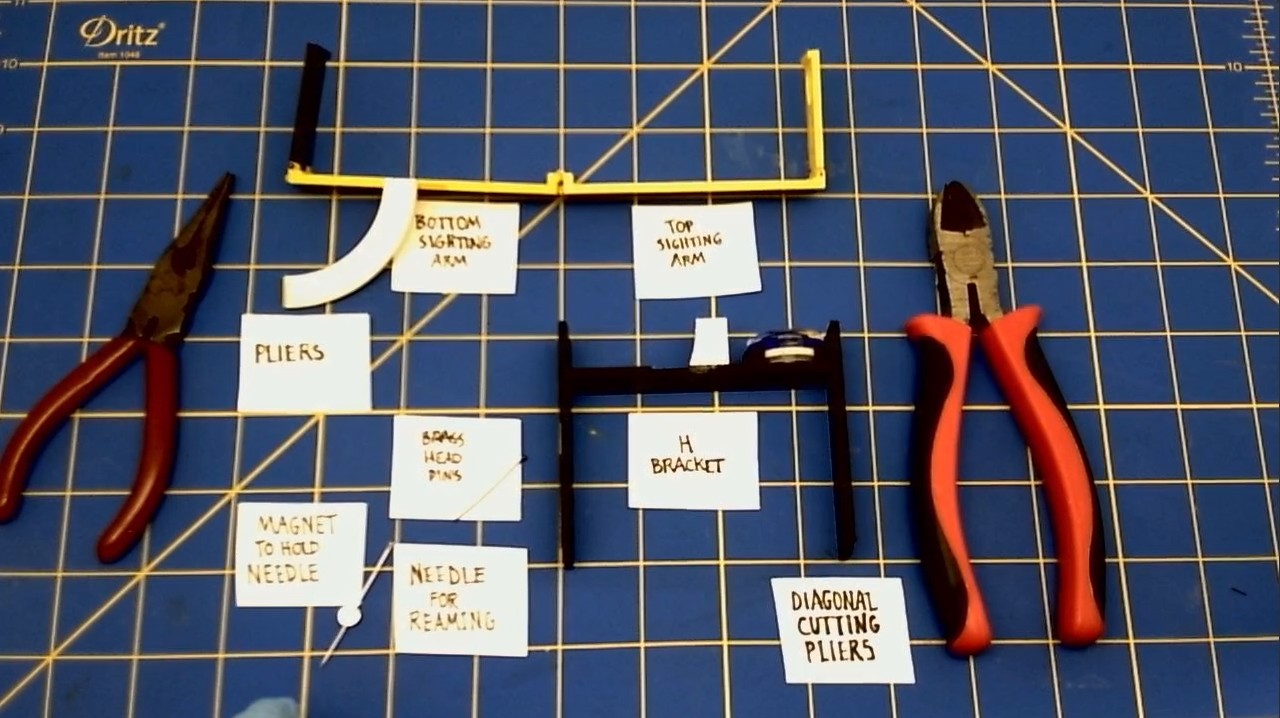
We are connecting the Sighting Arm to the H Bracket.
-
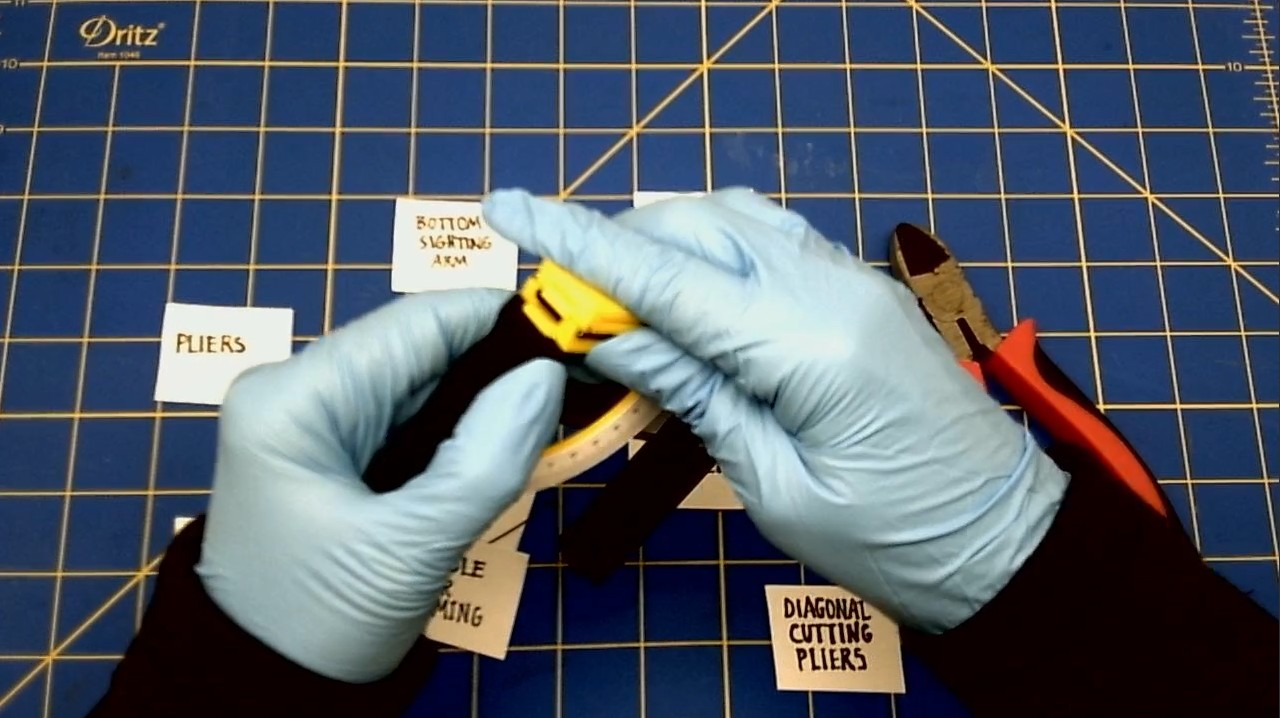
Fold the Sighting Arm. Then, line up the hinges to the hinge in the H Bracket.
-
Join the Sighting Arm to the left corner of the H Bracket by sliding the brass Head Pin into the holes of the hinge.
-
Once you've gotten the Brass Pin into the hinges, use the pliers to bend the end of the pin.
-
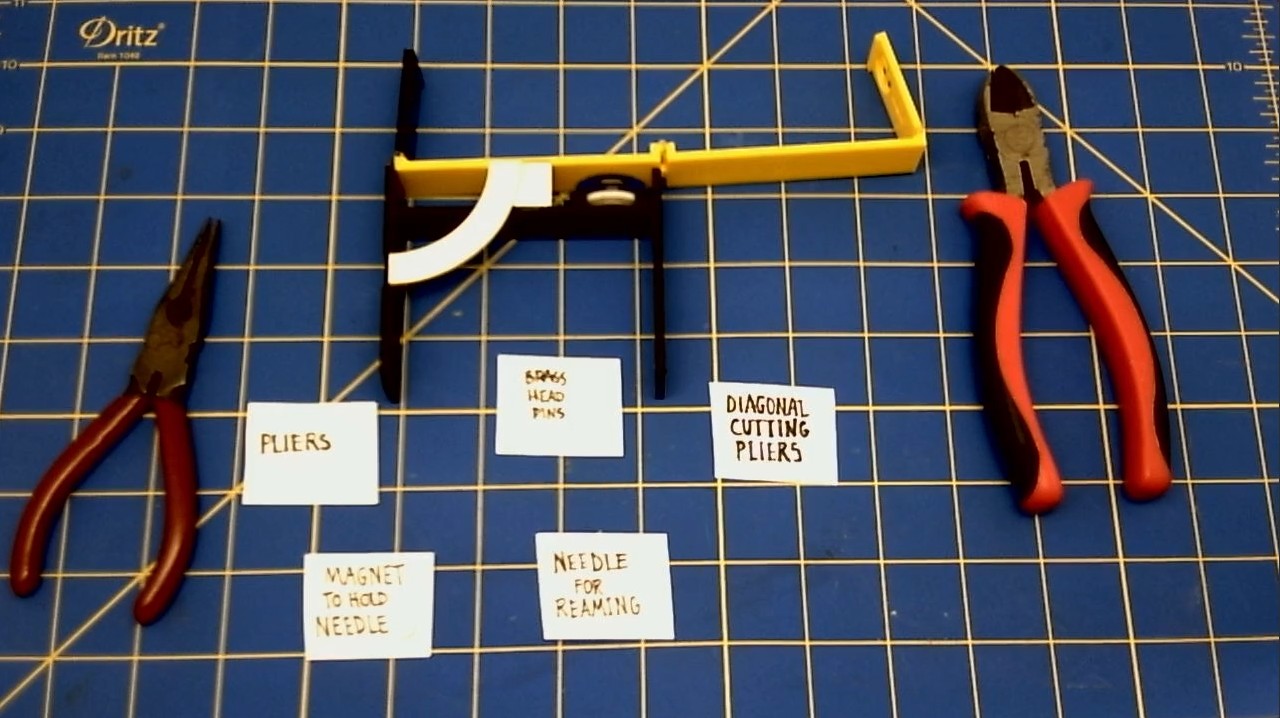
Trim the excess length of the brass Head Pin.
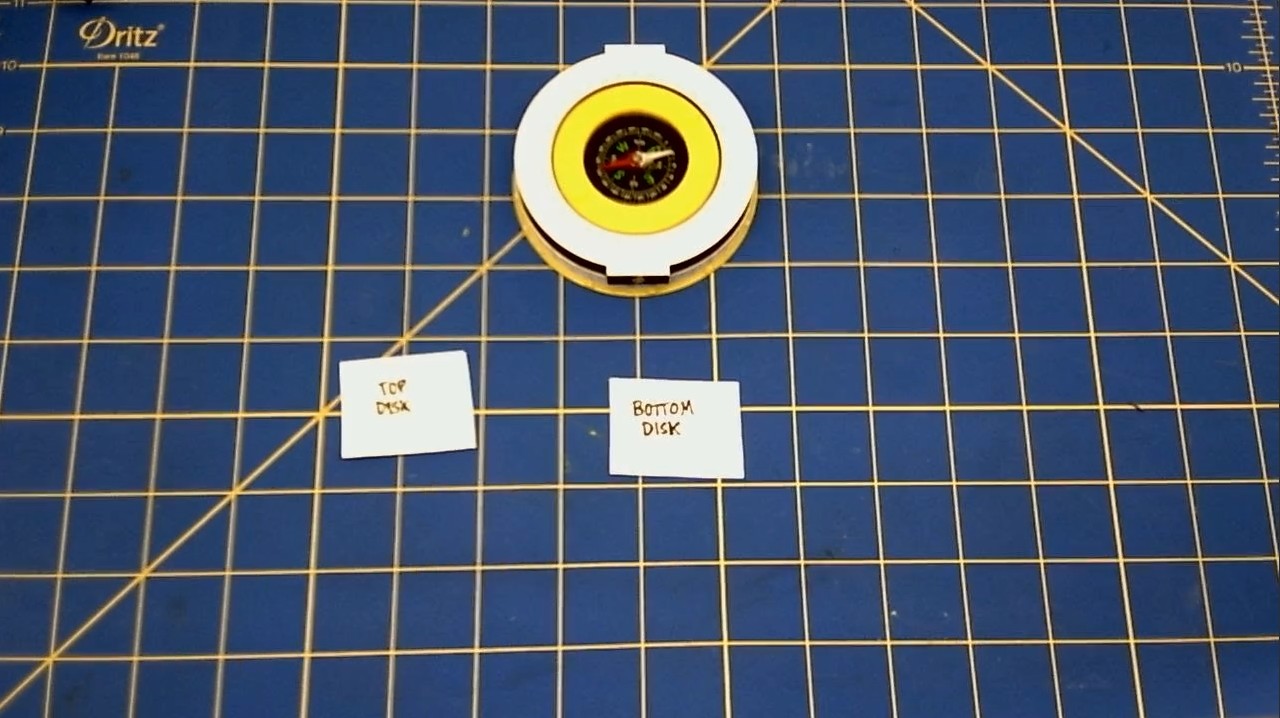
Connecting the Top Disk to the Bottom Disk
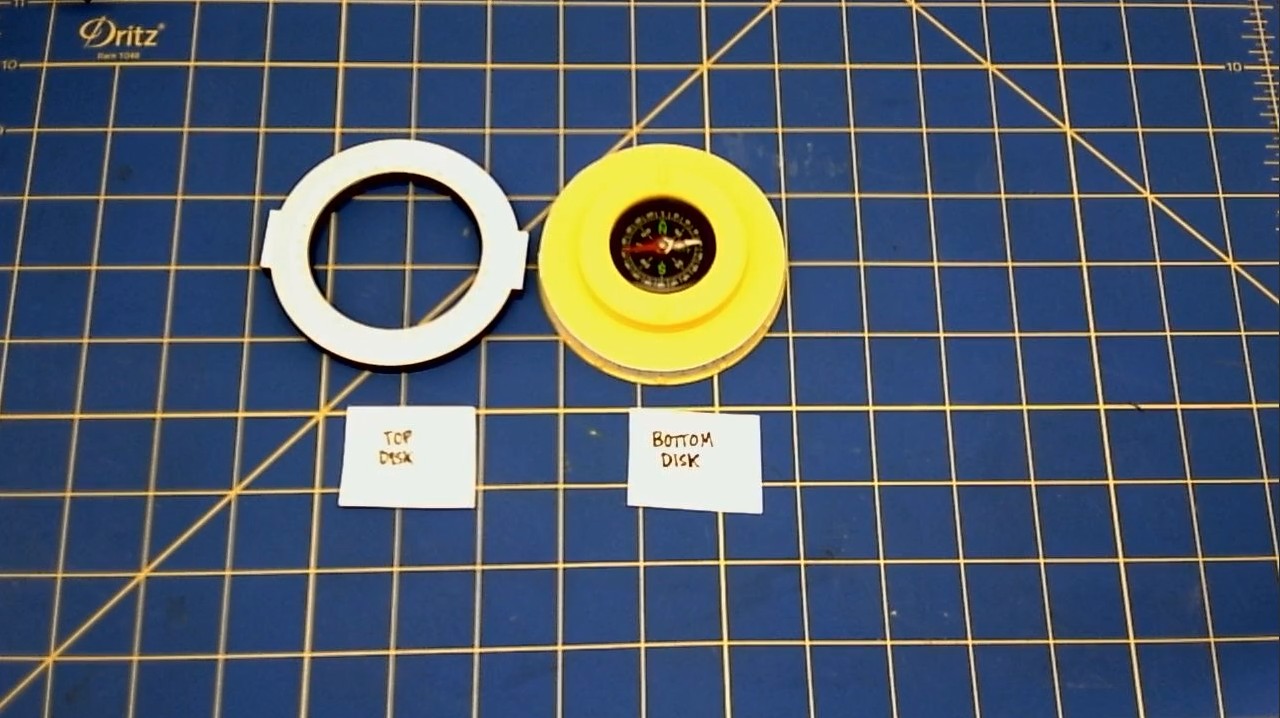
We are connecting the Top Disk to the Bottom Disk.
-
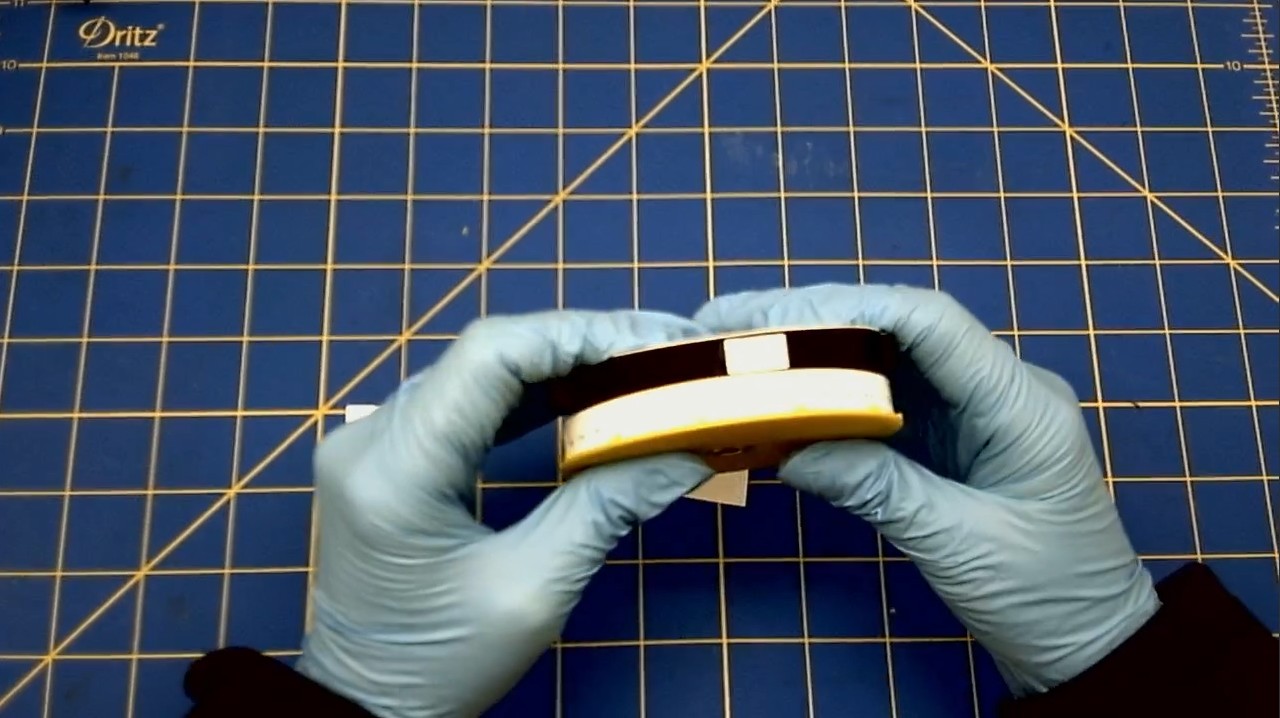
Snap the Top Disk onto the Bottom Disk.
-
You may have to lay it down flat and use the palm of your hand to snap the disks together.
Adding the Compass Pin to the Bottom Disk
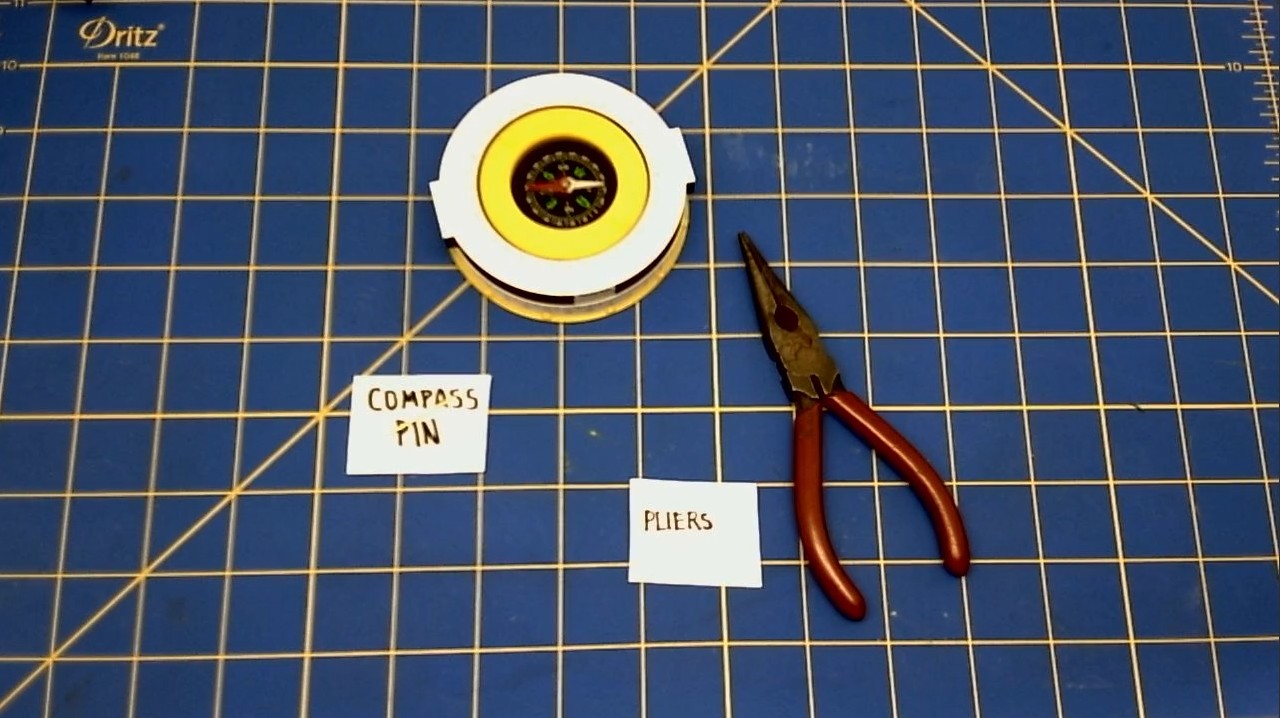
We are connecting the Compass Pin to the top of the Bottom Disk.
-
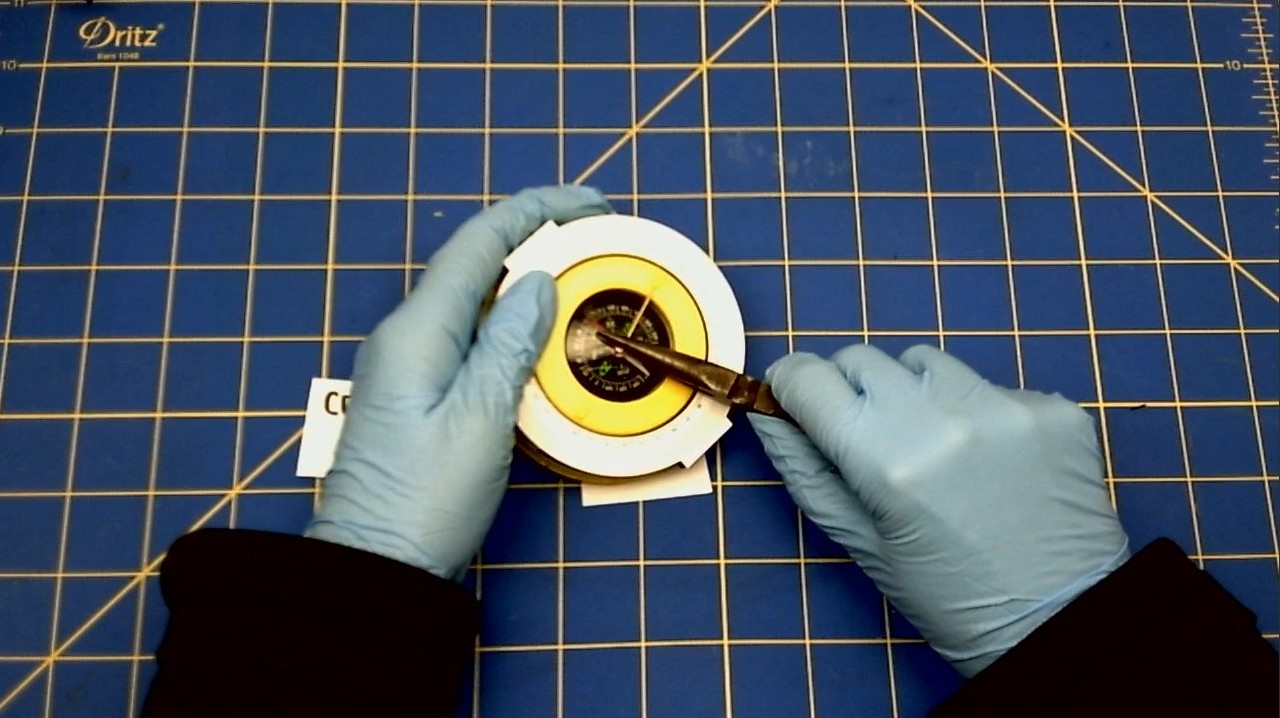
Slide the Compass Pin into one of the small holes on the face of the Bottom Disk.
-
Arrange the Compass Pin so that the majority of the pin is over the face of the compass, with ~10 mm over the Top Disk Scale
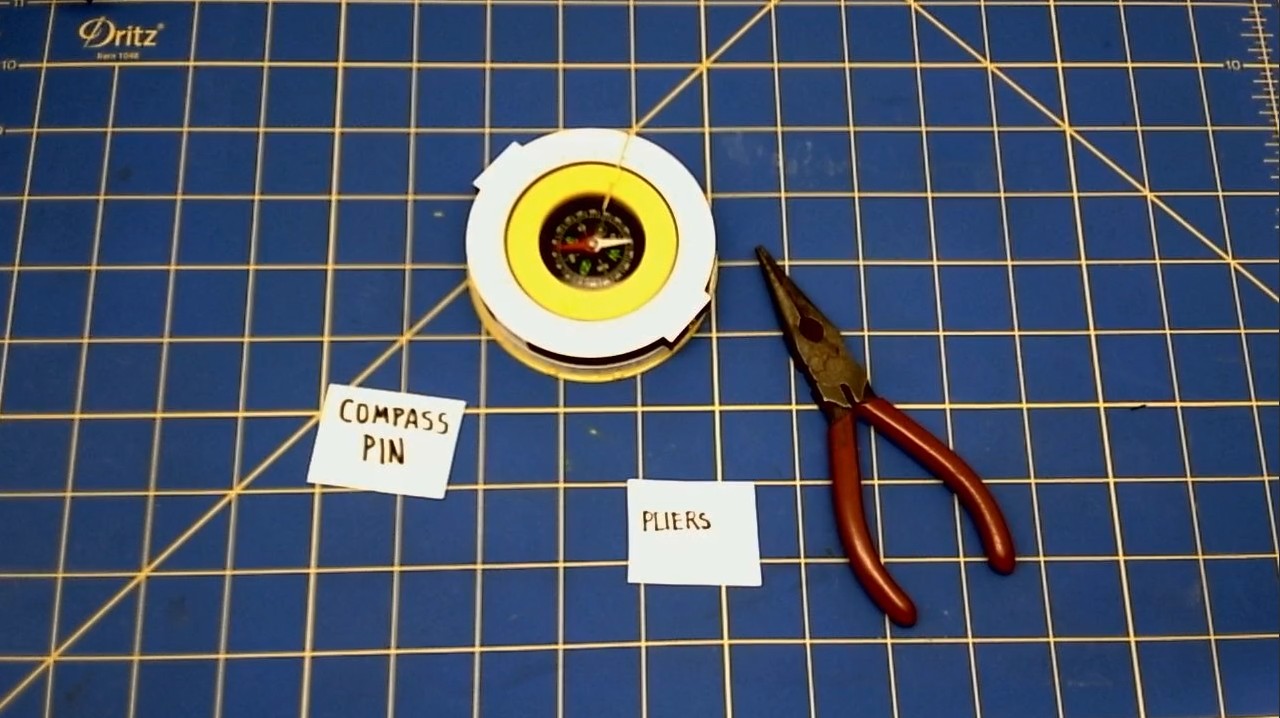
GLUE THE TINY VERNIER SCALE NOW - LINE IT UP WITH ZERO
Attaching the H Bracket to the Disks
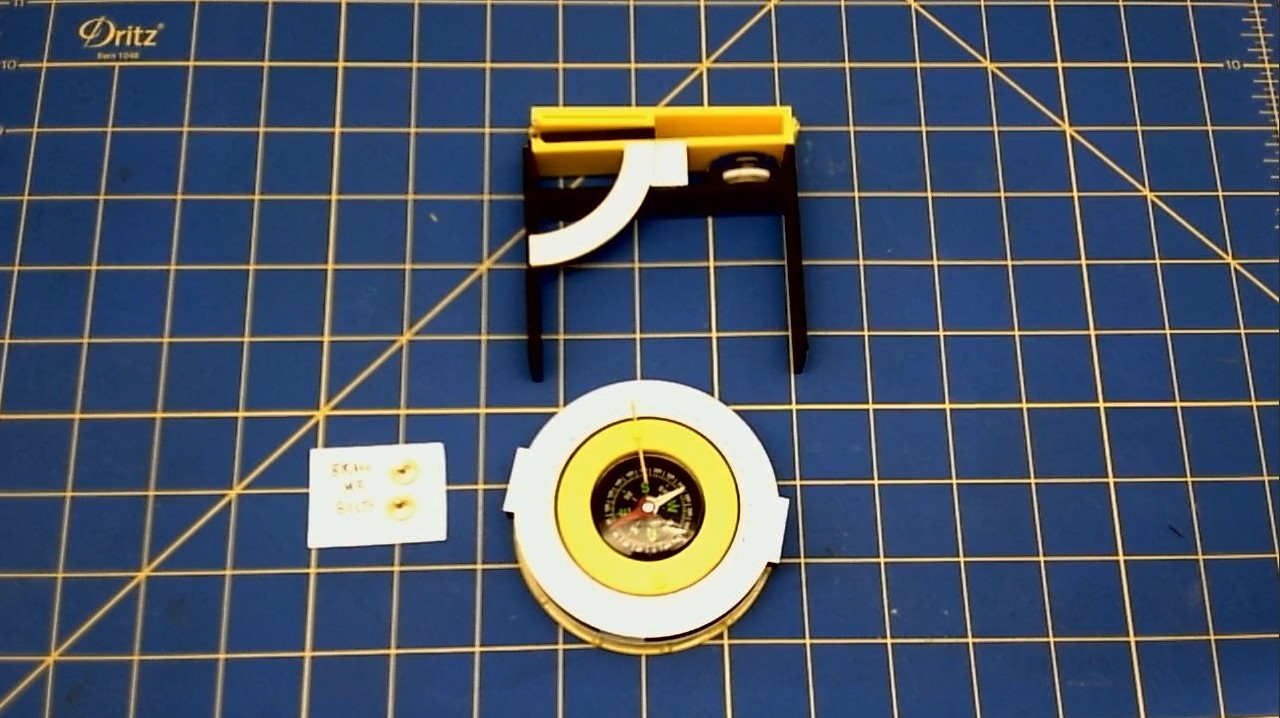
We are now attaching the H Bracket to the Top Disk.
* Line up the arms of the H Bracket, to the holes in the Top Disk.
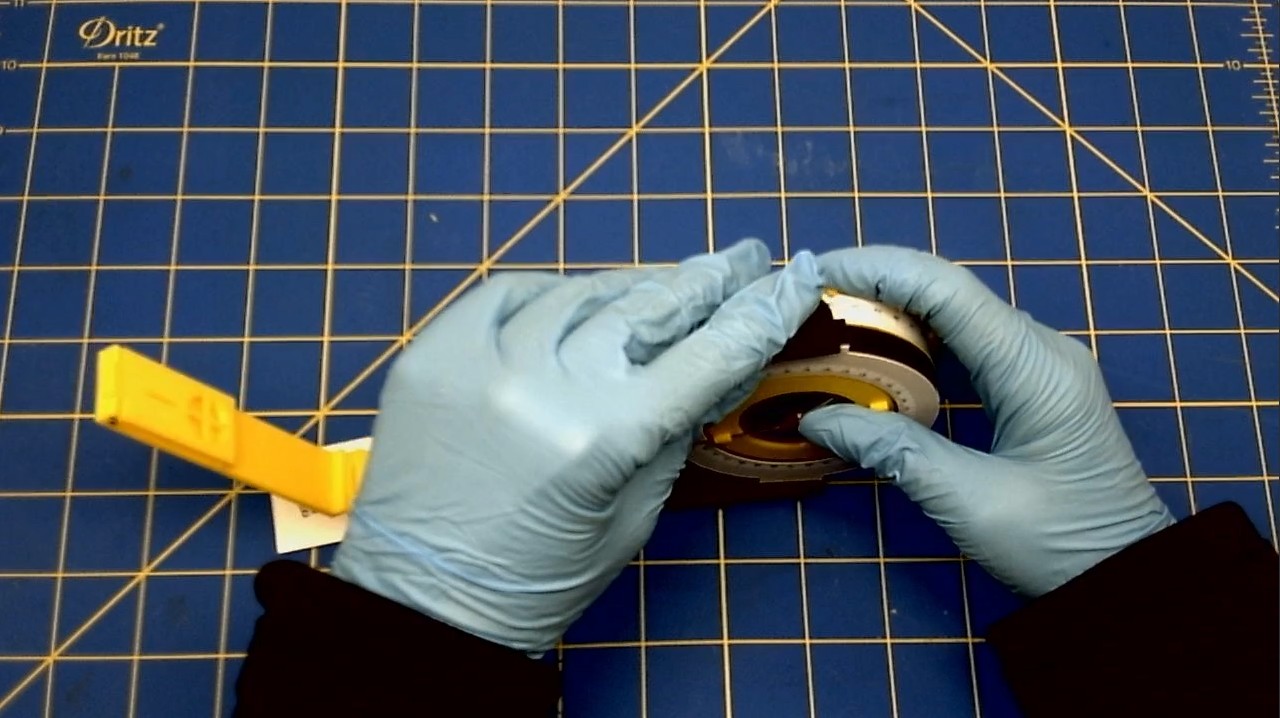
-
Insert one brass Knurled Nut into the hole of the H Bracket.
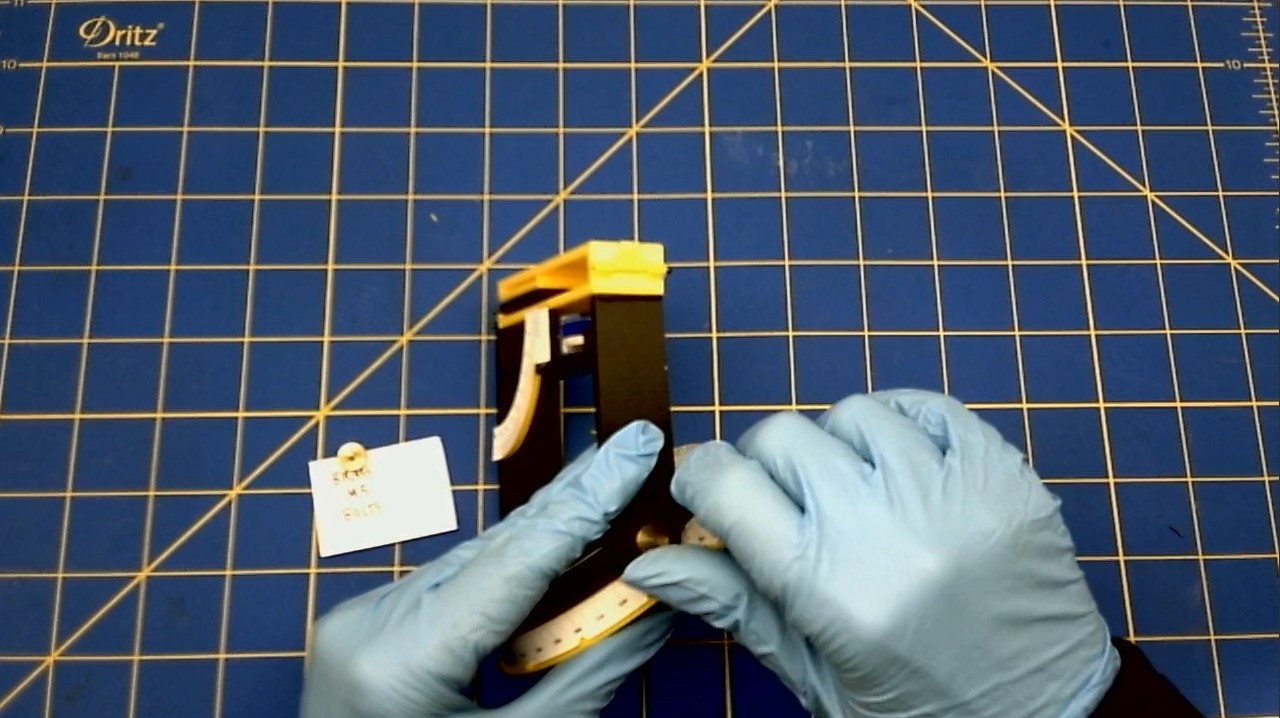
-
Repeat with the hole in the other side of the H Bracket.
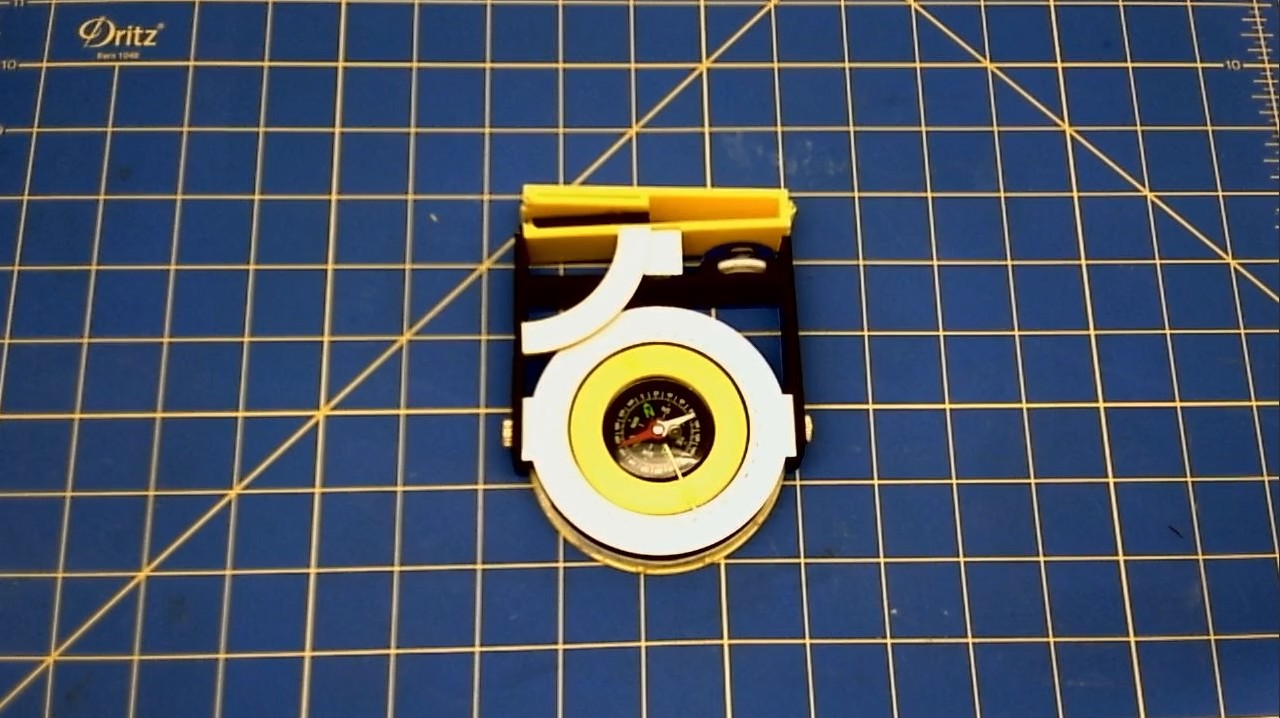
[PHOTO OF ENTIRE GADGET IN FLAT MODE]
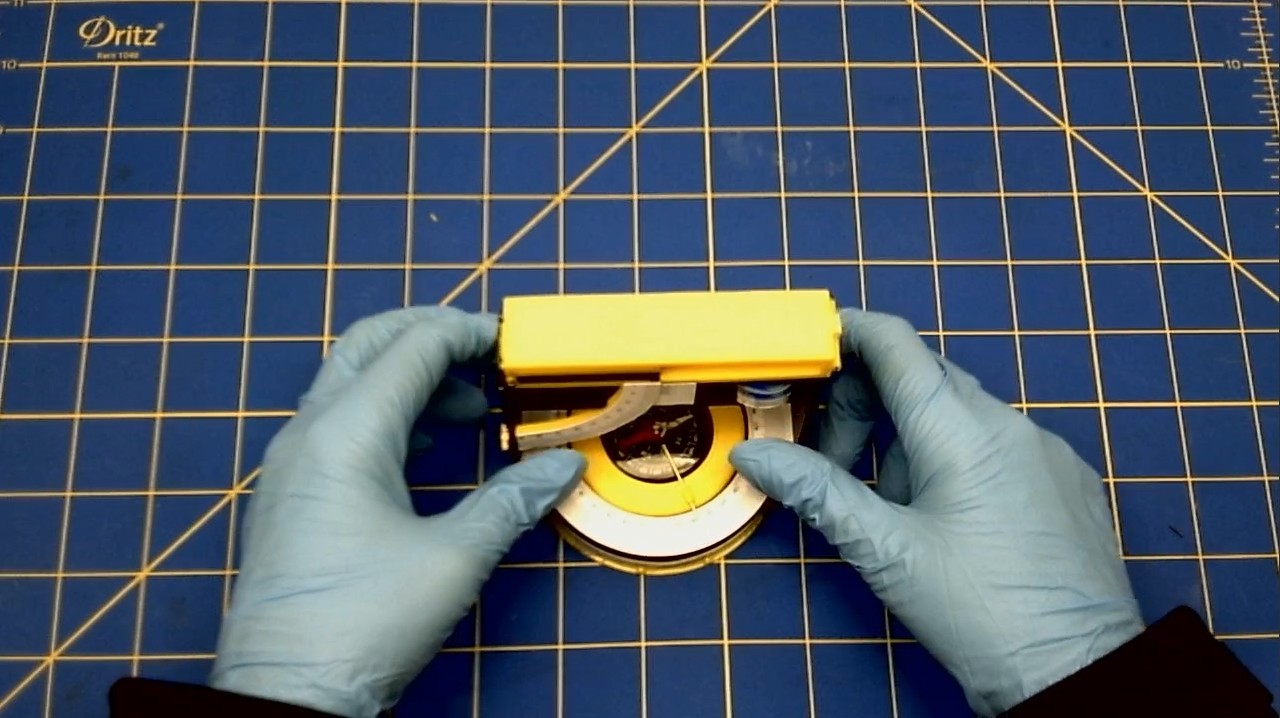
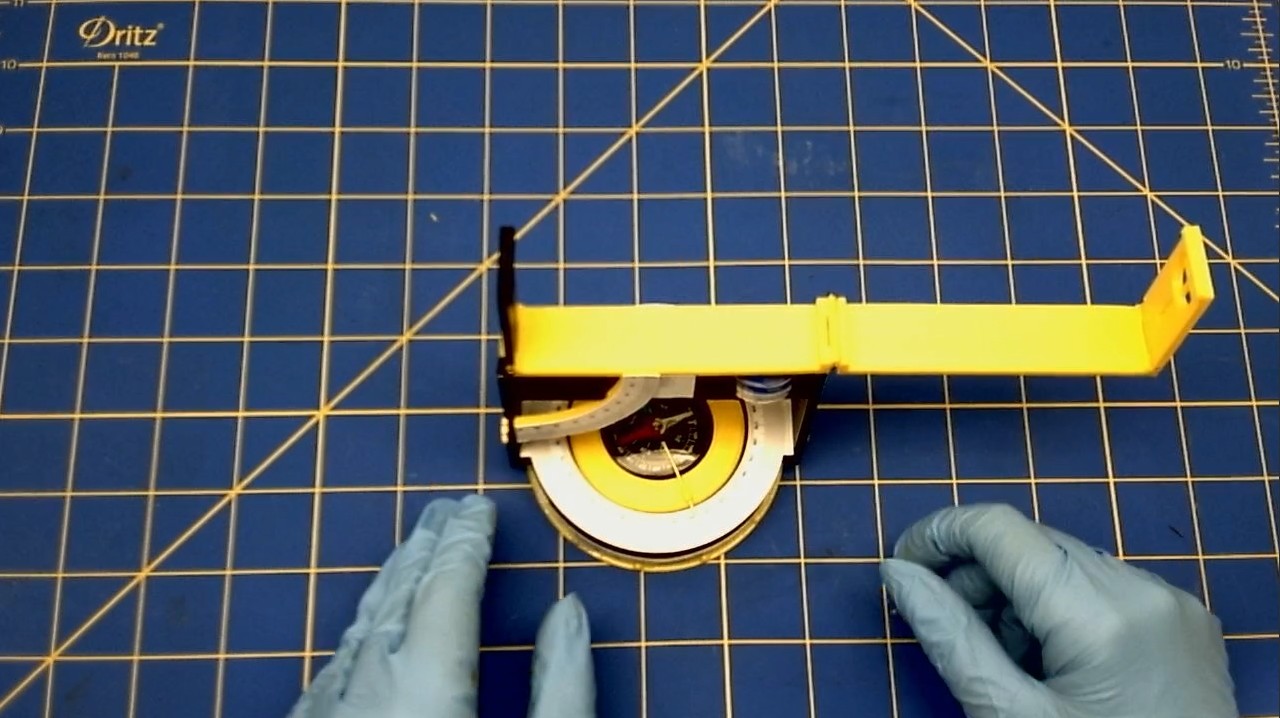
[PHOTO OF ENTIRE GADGET IN ‘USE MODE]
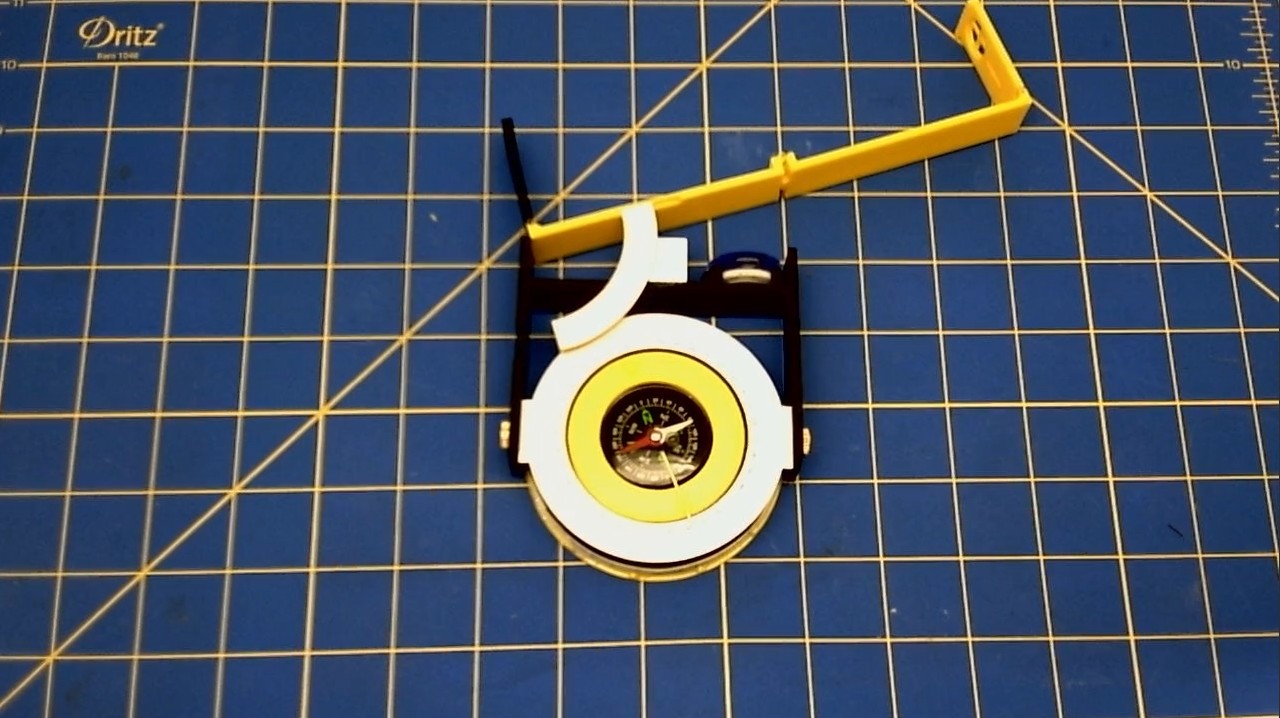
[PHOTO OF ENTIRE GADGET IN Tilt MODE]